Bitvision Synth
Category: Unknown · Tags: bitvision · Posts: 12
#1 — blabberbytes · 2019-04-23
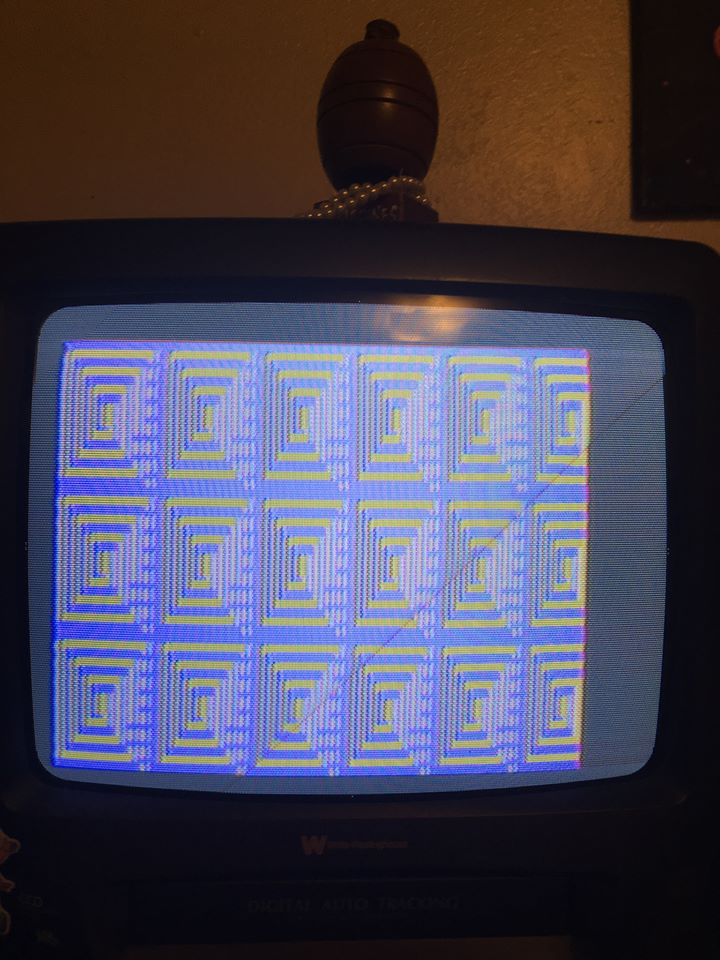
I just finished the bitvision kit and it’s pretty dope. Was wondering if it was possible to maximize the screen. As you can see here it’s a bit off center. And its like that will all my monitors.
Thanks
#2 — Fritz · 2019-04-27
Hey blabberbytes!
Bitvision naturally underscans (code related). If you want it full screen you’ll probably have to zoom in with a mixer or some kind of post-processing.
#3 — Tremendm_Labs · 2019-04-28
Hey @blabberbytes
We’ve pulled our hair out a lot about this issue. As a simple inexpensive solution we’ve found that using a
‘4 Channel CCTV Quad Splitter Video Camera Processor System Kits Switcher 5 BNC’ works well because it has a zoom function. It only zooms toward the center of the screen but it does grab an excellent section of the BitVision output. We found the item listed on Amazon & eBay. It is basically a simple 4 way video switcher with remote and picture in picture options so it is a nice untility box for many uses in a video setup. Here’s a link to one, I know you can use your Google fu to find it cheaper, as we did. Most newer Roland Video mixers & switchers have zoom function too, but’s that’s a different level of expenditure.
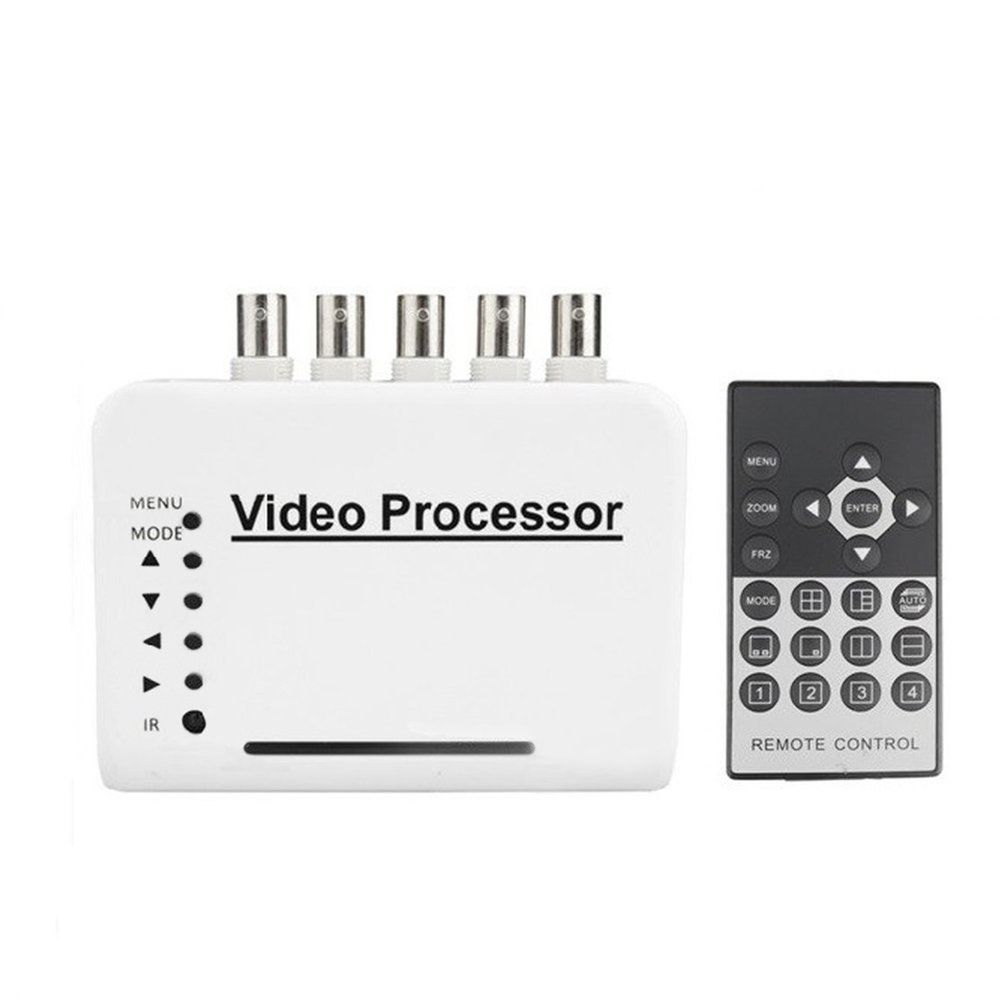
https://www.ebay.com/itm/123209880227?ul_noapp=trueOther Features: 1. ZOOM digital zoom function 2. Full screen display for each channel, Automatic display by turn mode.Switch between NTSC and PAL system. Picture In Picture show ,PIP position switched (top left, top right, bottom left, bottom right...
Link: Camecho 4 Channel CCTV Video Quad Splitter Camera Processor System Kit...
#4 — Tremendm_Labs · 2019-04-28
Oh hey wassup @Fritz didn’t realize it was you, MH!
#5 — Fritz · 2019-04-28
Hey @Tremendm_Labs!
Oh! you think you’re soooo clever with your “solution”… that I will be purchasing and using right away.

#6 — blabberbytes · 2019-04-29
Thanks, I will check this out! I now have another Issue now lol that I have a post for here.
So I been playing around with my Bitvision 1.2 kit that i built and I think it stopped working after i tried to change some colors on the palette. Or maybe it decided to not work because of my bad soldering?!? lol > Anyways I was having trouble getting AVR studio recognizing my programmer for the longest time. Eventually moved to an older WIN 7 with USB 2.0 laptop and I was able to get the USBTiny Drivers to work by using the libusb-win32(the latest i think). The computer recognized the Pocket AV…>
If you could help that would be appreciated. Thanks!
#7 — blabberbytes · 2019-11-19
Trying to work on this again. Can some one be kind enough to point me in the right direction? There’s no info on this and I cannot seem to get help anywhere about this so i feel im at a loss.
#8 — Fritz · 2019-11-22
Is it working at all?
IIRC, there are a few different bitvision threads on MW.
#9 — blabberbytes · 2019-12-13
Im thinking this is out of my hands and someone really good with these can help me repair. I have no idea what im doing with these AVR Programmers. Still not sure if I just need to program the Bitvision to get it working again, or fix a bad solder joint. Would anyone be down to take a look at it if I sent it out?
#10 — SPIKE · 2019-12-15
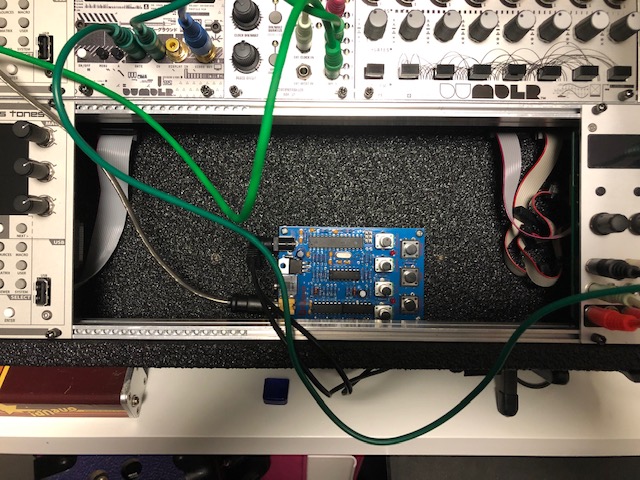
when you are waiting for an LZX module…so you just fill the space with a Bitvision.

#11 — blabberbytes · 2019-12-18
lol


I want it to work!
#12 — SPIKE · 2020-01-01
some Bitvision here…it’s a bit subtle…but it is creating the distressed rotating rings.
visual noiz circuit:
Bitvision > Structure > Structure
ETC x 2
DU-NTSC
3trinsrgb+1c
noiz circuit:
norns x 2 running MANGL on both
live broadcast through:
BPMC V8 > VR-3EX > VR-3EX > Mac