Scaling a video file for processing
Category: Forum · Tags: — · Posts: 5
#1 — Strutter · 2020-02-14
I´m trying to process a music video that has the aspect ratio 4:3 and on the material that comes out of the video synth there are these black bars on the side that are not on the original material. How should I prevent this?
#2 — souka · 2020-02-14
Hey @Strutter could you perhaps explain a little more? Maybe share some pictures and signal flow?
Are you sending the 4:3 video into your video synth, processing it, and at the ouput you get black bars on the side?
Are you recording at 16:9 and getting letterbox? What are you recording with? Or is the issue on the preview screen.
#3 — Strutter · 2020-02-14
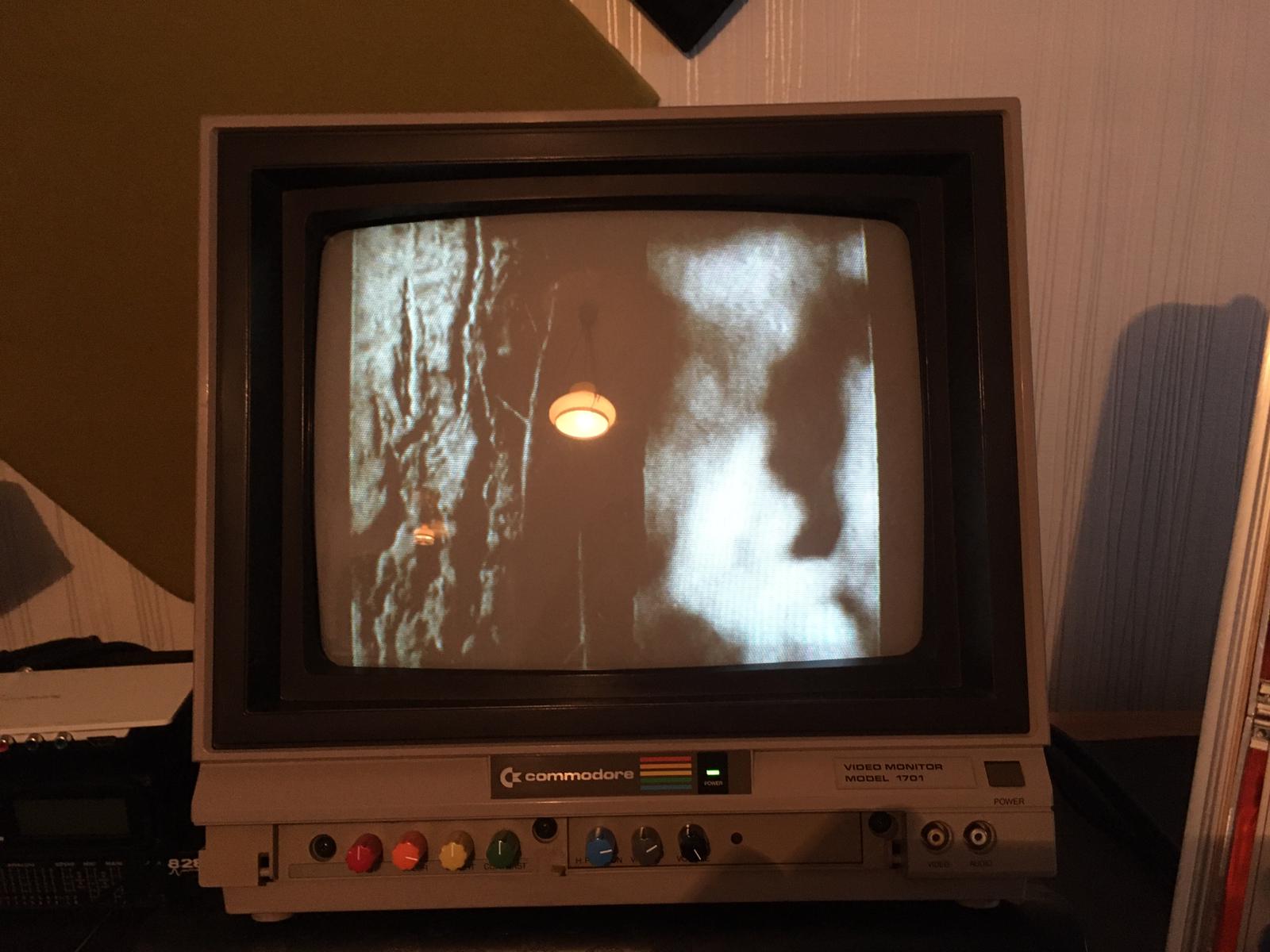
I have a video file that is it in 4:3 aspect ratio on a mini mac and I´m using an hdmi to component converter to get the signal from the computer to the video synth, and as I´m processing it is there are these black bars on the sides and the picture seems like its been squeezed somehow. I´m recording it with an intensity shuttle but the issue is seen already on the preview screen.
#4 — joem · 2020-02-15
What hdmi to component device are you using? I’d be willing to bet that’s the problem. Can you plug it directly into your monitor to check? (the component signal, I mean)
#5 — Dewb · 2020-02-15
Also check the display settings on your Mac mini, if you’re sending out a 16:9 image over HDMI then that will introduce the bars. See if you can set the output resolution to 640x480.