De-Interlacing Plugins
Category: Unknown · Tags: memorypalace, vidiot, visualcortex · Posts: 4
#1 — Dr_Rek · 2020-04-17
Hello!
I’ve been using FCP X’s built in de-interlacing for all my work until now.
(My video synthesis portfolio: https://vimeo.com/showcase/6529523)
I’ve been researching alternative higher quality de-interlacing,
tests with these two products free trials look promising and better results.
https://revisionfx.com/products/fieldskit/FieldsKit provides smarter deinterlacing and better workflow options for interlaced footage.
Link: FieldsKit - RE:Vision Effects
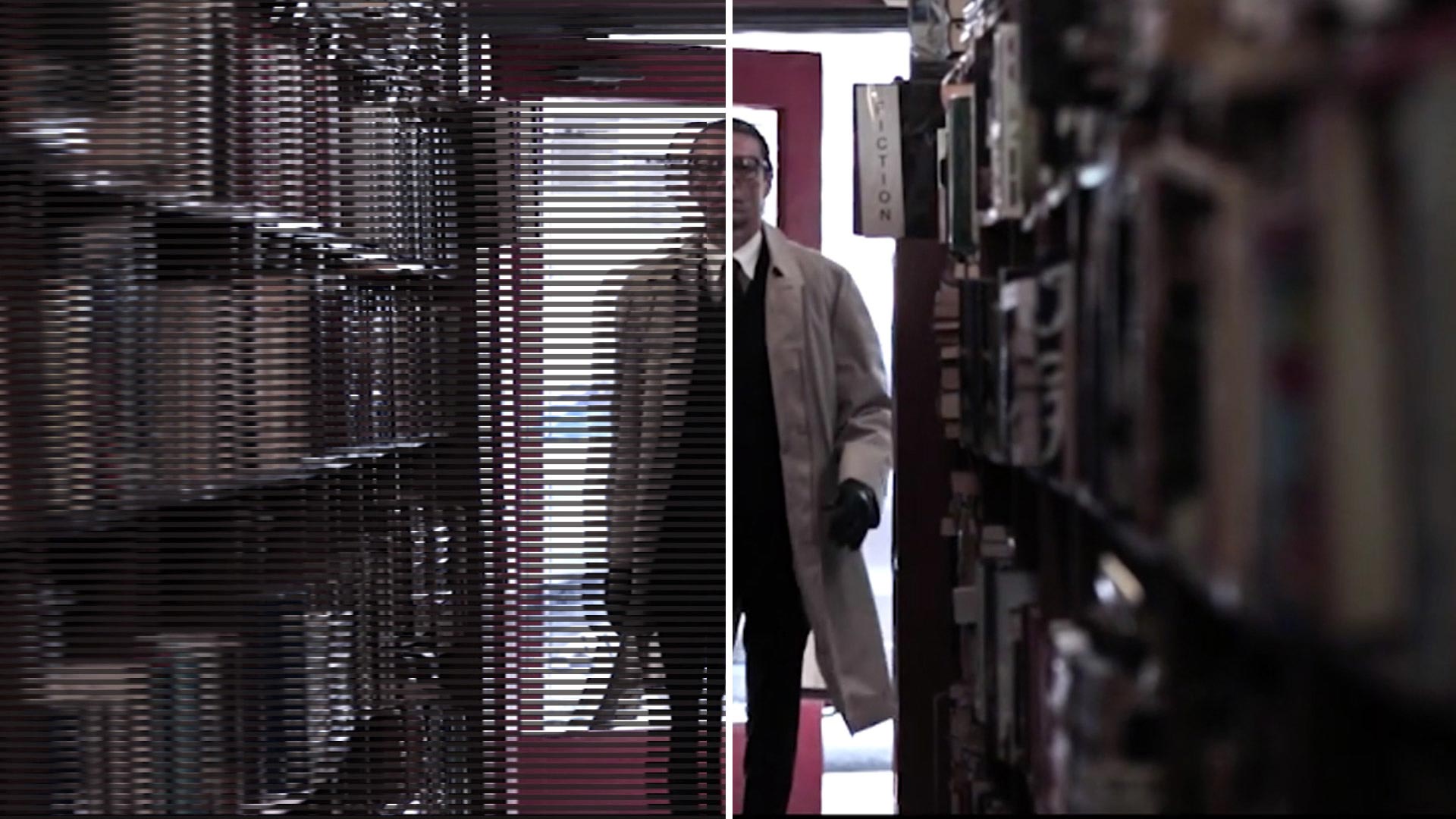
https://www.redgiant.com/products/shooter-frames/Frames gives you true 24p conversion from any interlaced material, including NTSC, PAL and HD formats. Deinterlace your older footage and convert it to 24P with quick results and intelligent smoothing. De-artifact and repair lost color information in...
Link: Buy Red Giant Shooter Frames | Deinterlace Video Plugin for Premiere Pro...
Curious if anyone has any experience or opinions about this?
Thank you!
#2 — Dr_Rek · 2020-05-14
Following up, my opinion is the level of control available and results were better with FieldsKit, purchasing later today for a music video that had to be cut in FCP X to use pixel sorting transitions.
License on website looks like it would only work on FCP X, but I confirmed with them that buying it once will also work on Premiere and AE.
I’m planning on testing Resolve’s de-interlacing soon.
For Premiere I learned last night about the Clip > Video Options > Field Options > Flicker Removal menu action and it also has interesting results where you don’t lose the lower field when de-interlacing.
This workflow was recommended for Topaz Machine Learning Upscaling of Interlaced content. https://topazlabs.com/video-enhance-ai/
Neat program for upscaling content, but I doubt the algorithm has been trained for video synthesis. Might test it with some LZX content anyhow.
Curious if anyone else has anything to add to the conversation?
#3 — 337is · 2020-12-02
So after the cyber Monday sale, I’ve now got the tools to start participating in this conversation. Just running some of my first tests now on some high contrast B&W synthesis with lots of valuable interlacing artifacts … will be interested to see how the results feel. Will report back.
Would gladly accept any help in determining studio tests to attempt. Thanks @Dr_Rek for starting this thread and sharing your information.
#4 — 337is · 2020-12-02
Alright, here’s the first three tests as a Vimeo playlist:

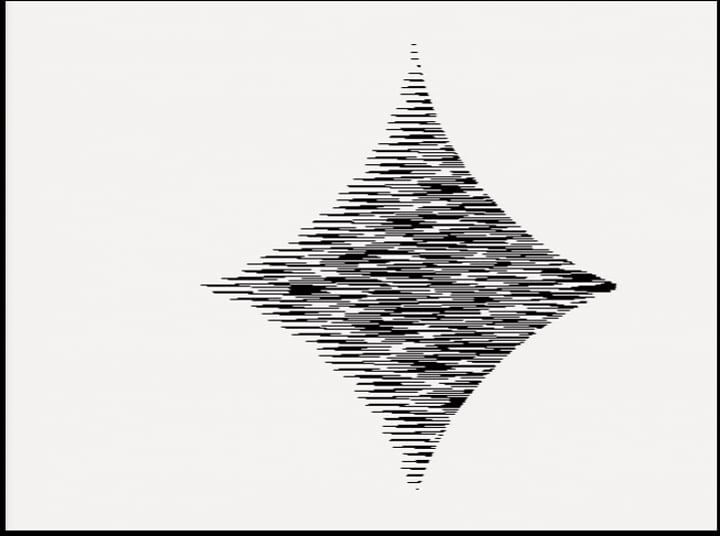
https://vimeo.com/showcase/7866860Ongoing tests with deinterlacing and upscaling methods for video synthesis captures.
Link: Video synthesis deinterlacing and upscaling tests on Vimeo
Notes:
LZX Visual Cortex component video out to:
Blackmagic Designs Thunderbolt Intensity Shuttle
525i59.94 NTSC
QT Uncompressed 10-bit RGB
Original source video:
NTSC 29.97 fps, 720x486
Interlaced, Bottom Field First
Run Premiere Field Options: Always Deinterlace
Deinterlace video:
NTSC 29.97 fps, 720x486
Progressive
Run Topaz Labs Video Enhance AI: Artemis HQ v8
Upscale to:
4KUHD
NTSC 29.97 fps 3840x2160
Run Premiere Vimeo 4K HQ Export