Blurry Passage Output
Category: Helpdesk · Tags: — · Posts: 7
#1 — sean · 2020-07-23
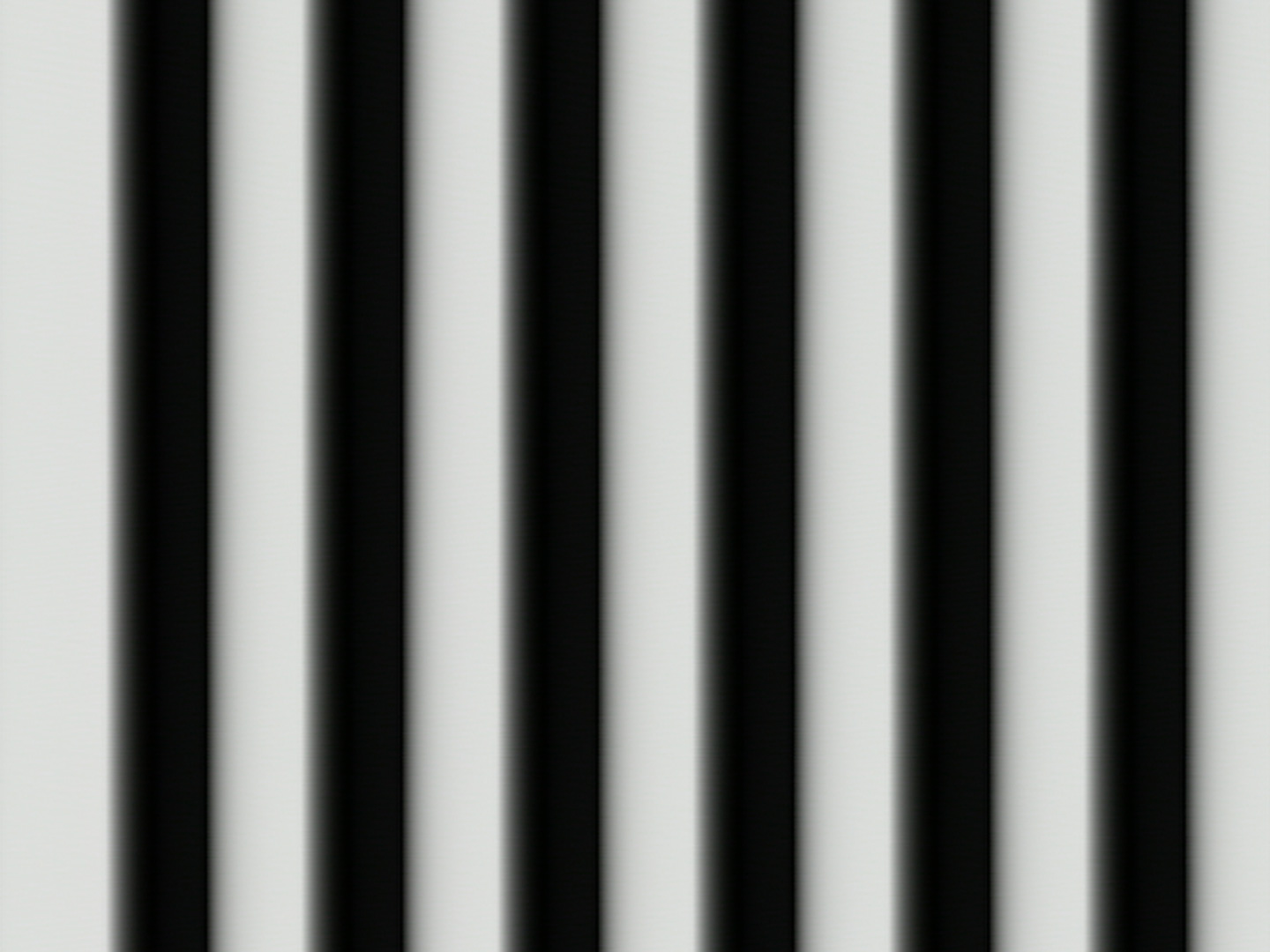
Not sure if this is a new problem for me or just something I never noticed before, but definitely noticing now that my Passage (bought used a few months ago) seems to have a not insignificant amount of blurring/smear.
Is this normal behavior?
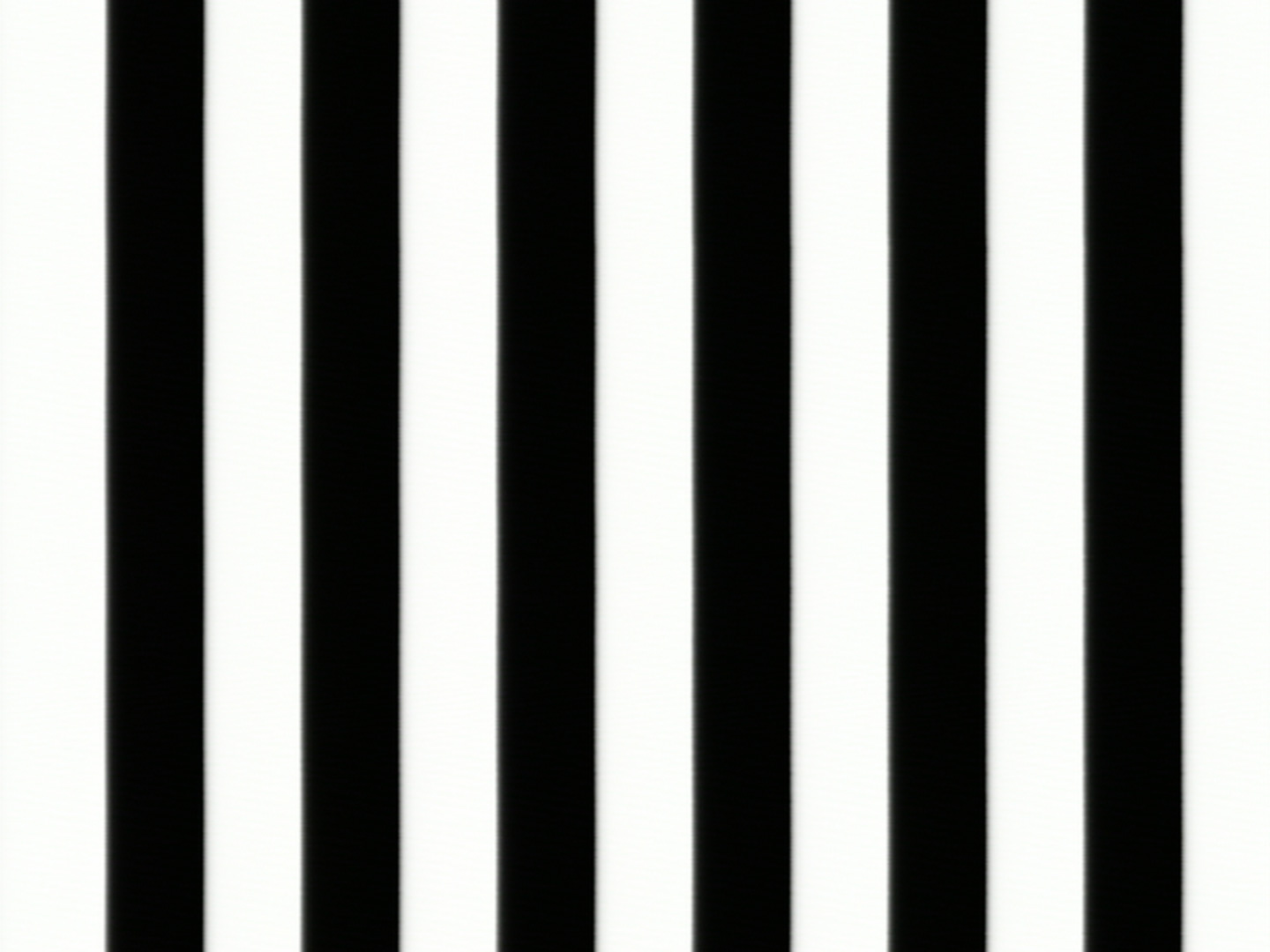
Example 1 (raw square wave from Vidiot directly into Visual Cortex):
Example 2 (square wave into Passage and then Cortex):
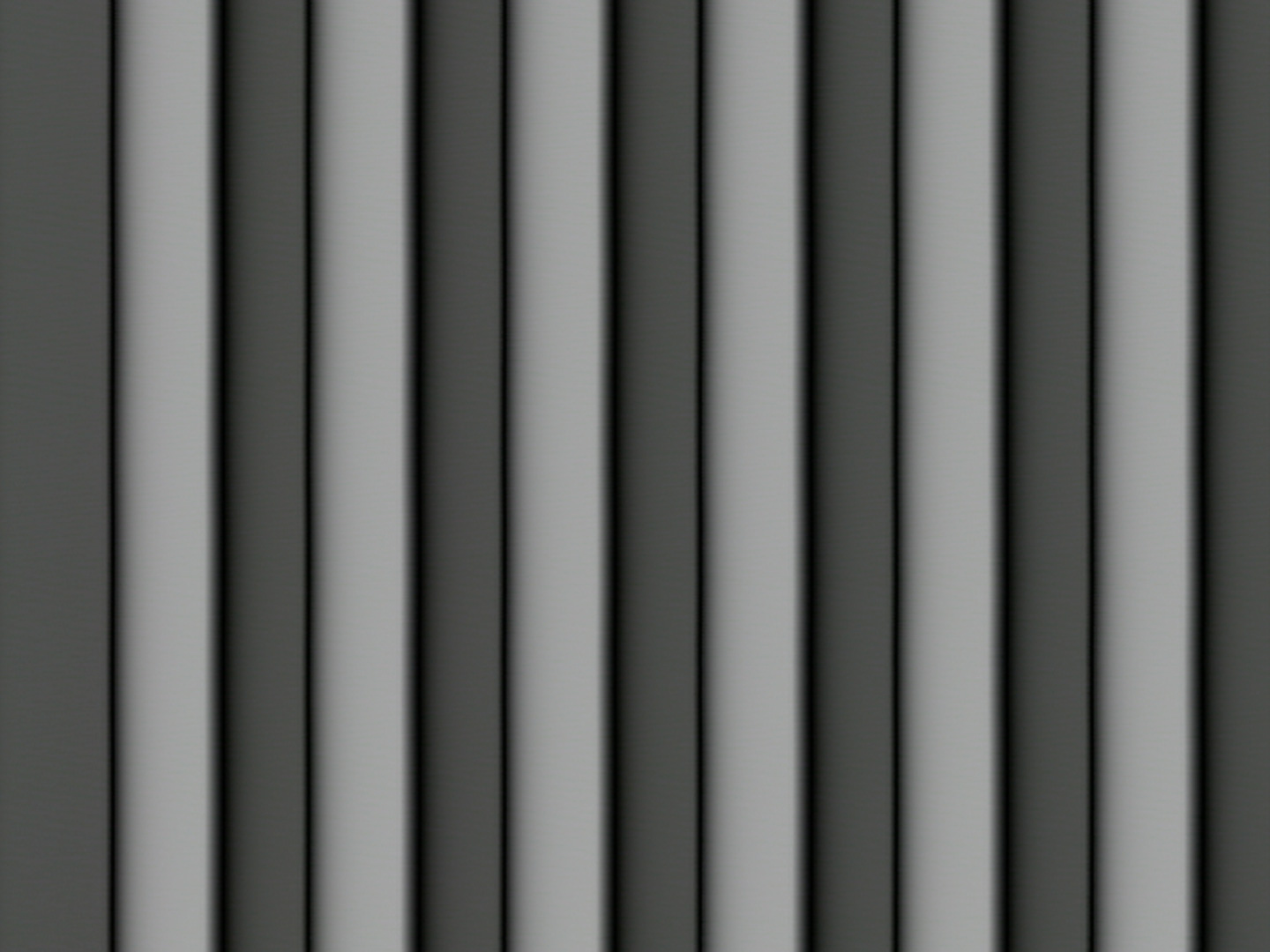
Example 3 (square wave into Passage with negative bias applied and then Cortex):
#2 — Genlok · 2020-07-23
I just tried this myself and I do notice a tiny tiny touch of softening on a square wave VCO, but it’s not nearly as pronounced as your example.
#3 — Z0NK0UT · 2020-07-23
Do all channels of Passage produce this result?
#4 — sean · 2020-07-23
Yes. Using both the in and thru inputs.
#5 — Z0NK0UT · 2020-07-23
If you’re using just Passage and Cortex, isolated on the power supply, do you get the same blur?
#6 — sean · 2020-07-23
Tried isolating both together. Also tried isolating just the Passage in its own case (with Cortex in another). And tried a few different power cables, in case a faulty cable was causing some sort of power issue. Same result each time.
If I dial in the bias just right (a tiny bit to the negative side), I can maybe get it to be a little less blurry looking. But I imagine that is just because I am making it a tiny bit darker, so the blur is less apparent.
#7 — Z0NK0UT · 2020-07-23
Thanks for trying different configurations and conditions. Do you want to send it in to LZX HQ for a deeper investigation? If so, please send a message to support@lzxindustries.net. Sorry for the trouble.