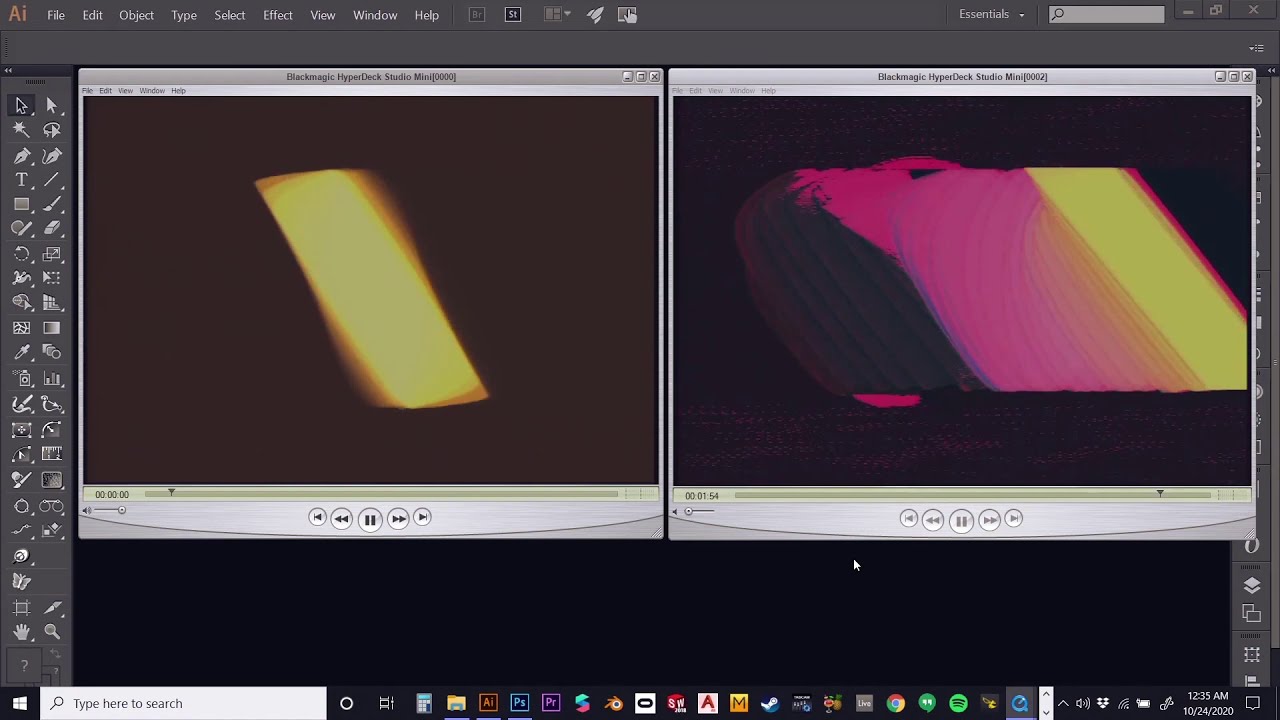
Animating for Memory Palace with Adobe Illustrator
Category: Forum · Tags: patch-tutorial · Posts: 7
#1 — etwyford · 2020-10-24
Hello All,
I created a special demo for you all showing how you can use the blend function in Adobe Illustrator to create simple animation frames for loading into Memory Palace. I hope this can be of use to some of you. This is just the basic process I use, but it can clearly be used in much more complex ways to create dynamic blend, morph and translation effects. Enjoy!
NOTE: The number of artboards in this demo is 21, and it seems that the Illustrator workspace WILL limit the number of artboards to around 21 if arranged in a row as shown (depending on spacing between boards). There can be more if arranged in a column or grid, but you may have to splice multiple blends together between each row of artboards.

#2 — Z0NK0UT · 2020-10-25
Amazing! Thank you for making/sharing this tutorial.
#3 — sixtoobeats · 2020-10-25
This is great, when time and money allows Ill will grab another mp, so cool!
#4 — etwyford · 2020-10-25
@sixtoobeats I’m thinking the same thing. I remember a time thinking x2 Memory Palaces was extreme, but I’m seeing more setups incorporating 2 units, and now its starting to feel very necessary! Haha
#5 — etwyford · 2020-10-25
@Z0NK0UT I’m glad it is useful to you guys! Shoot me a link if you make anything cool with it!
#6 — sixtoobeats · 2021-03-20
@etwyford : Can we get this re upped? I wanted to revisit this but is is gone.
#7 — etwyford · 2021-03-20
@sixtoobeats Yes, I was just trying to update the link. I took mine down, but LZX is hosting it on their Youtube. Link here.