[WIP] Blur/Sharpen
Category: Unknown · Tags: — · Posts: 48
#1 — reverselandfill · 2022-02-10
A new project I’m working on: a blur and sharpen module.
Features
blur input jack
blur amount potmeter
switch for white/black fade
switch for range (H/V)
CV input for dry/wet
Blur output jack
sharpen input jack (normalised to blur input)
sharpen amount potmeter (mix)
switch for range
Sharpen output jack
Blur + sharpen mix output jack
optional: dry output jack, potmeter for dry/wet, potmeter for gain
Progress:
Blur with dry/wet crossfader is working on breadboard, needs some gain finetuning
Sharpen concept is working, next is breadboard testing.
#2 — reverselandfill · 2022-03-03
I think I’ll separate the Blur & sharpen projects, to keep it simple
the BLUR is now 4HP
#3 — Analogmonster · 2022-03-09
Sounds like an excellent project yet again, looking forward to building it!
#4 — reverselandfill · 2022-03-11
pcb and panel are ready for jlcpcb. proto1
the pot parameters are:
blur amount
additional gain
switch:
range
jacks:
input
cv (crossfade dry wet)
output
#5 — rempesm · 2022-03-11
Would be curious to see your schematic if you’re open to sharing. We definitely need more filter modules out there so this is great to see!
#6 — reverselandfill · 2022-03-11
I’ll post it when it is done and tested .
it is a combination of a lt1251 crossfader and a RC lowpass filter with added gain.
fun and simple, and very useful in my opinion!
it might change a bit when tested in a modular patching enviroment
(instead of the "is it working?’ breadboard land it is in right now)
The Sharpen module will be something like this: pot controls:
edge mix
dry mix
edge gain
switch:
edge width
jacks:
in
out
#7 — reverselandfill · 2022-04-06
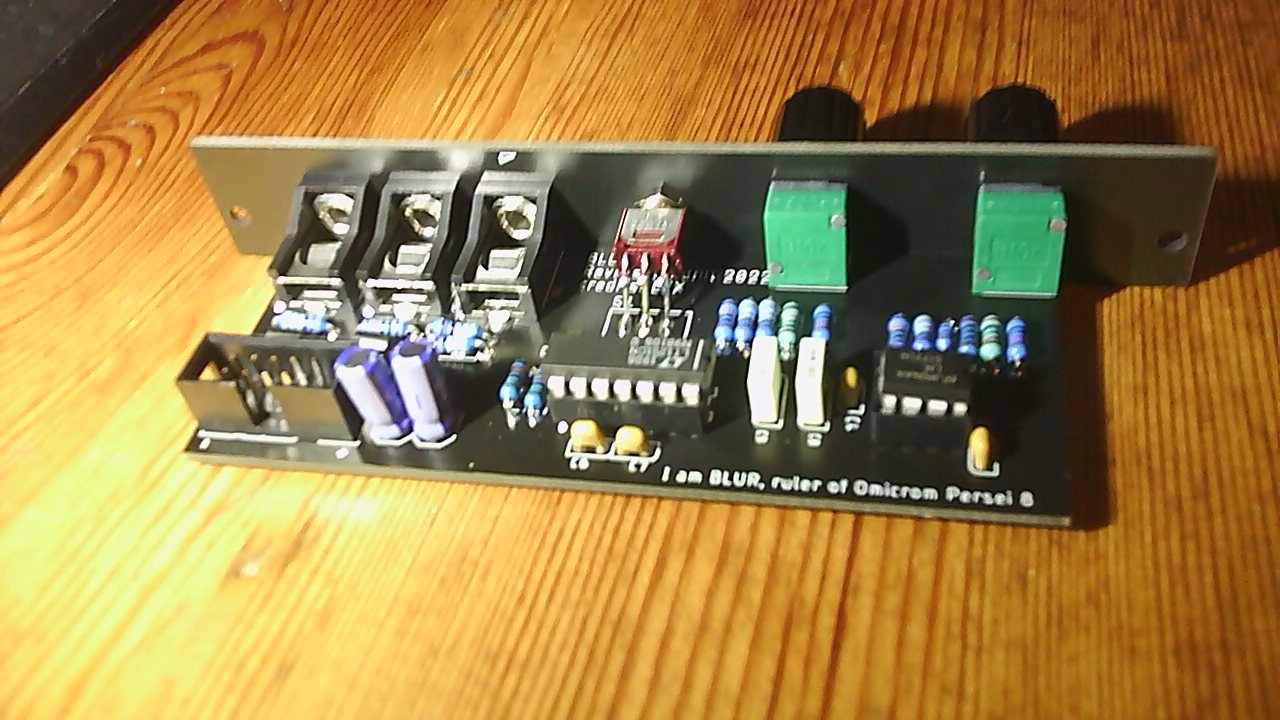
the prototype in in and it mostly works

I’m getting really cool results already, but it needs some finetuning (pot direction, normalized voltage on the CV input and some minor panel details)
preview with some other blurred new modules
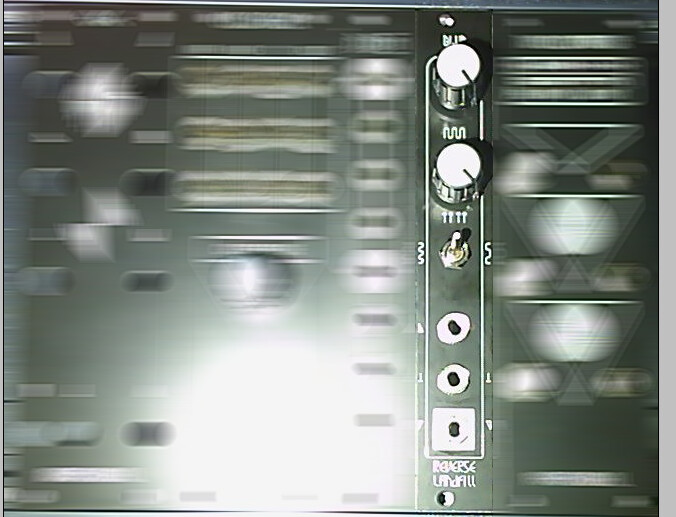
“I am BLUR!”
#8 — wednesdayayay · 2022-04-07
Yes! so pumped to see this moving forward congrats.
also a futurama reference is always appreciated
and just gonna say the blurred out other new modules are very exciting!
#9 — joem · 2022-04-07
Is the blur in the first photo (the one with the blurred modules) done with the module?
#10 — reverselandfill · 2022-04-07
that would be cool, but no. (it is a photoshop radial blur filter)
however, I’ll post some clips later. Yesterday I got pretty nice fade/smear blurs out of it!
#11 — ojorejas · 2022-05-07
Definitely looking forward to this blur module!
#12 — reverselandfill · 2022-05-07
check it out at super booth next week!
#13 — hdd · 2022-05-09
Nice work ! waiting for the release. Looks afordable and powerful
#14 — dryodryo · 2022-05-12
Yeah I’m gonna need three of these. Awesome
#15 — dryodryo · 2022-05-12
Why CV on wet/dry mix instead of filter frequency? Keeping it simple? Animating blur amount would be epic, I would pay more for that.
#16 — reverselandfill · 2022-06-08
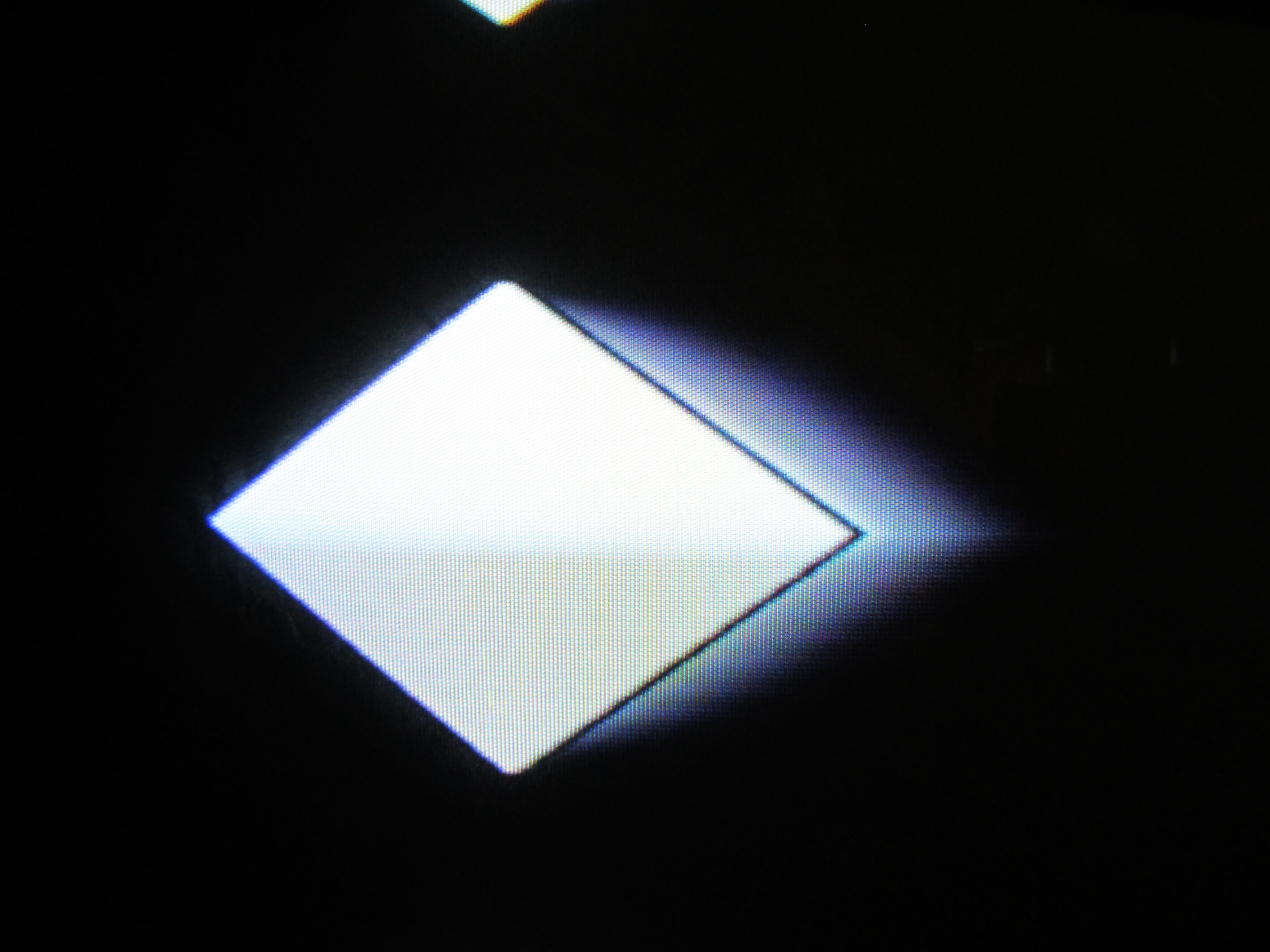
Some examples with simple shapes with dry/wet modulated
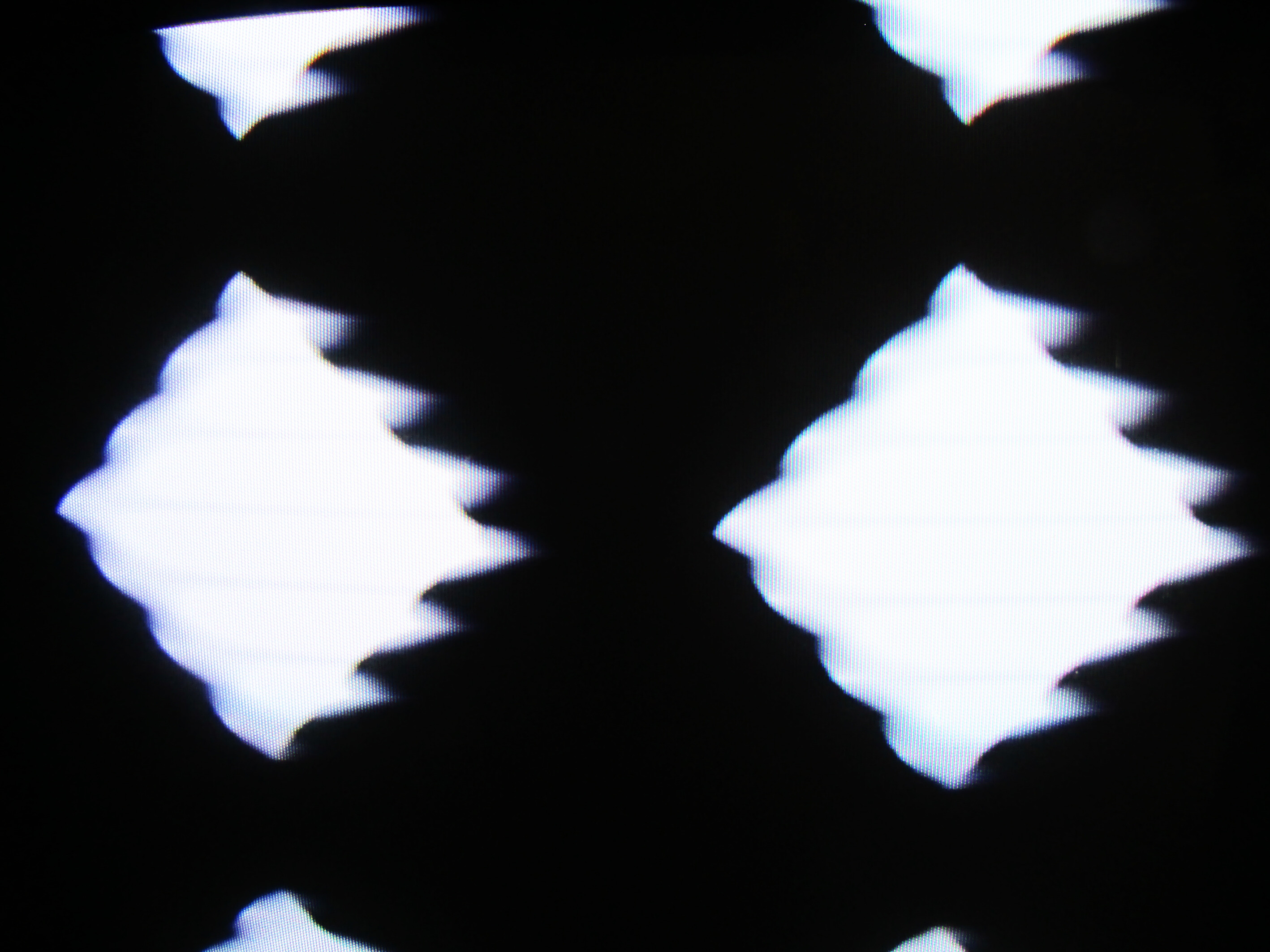
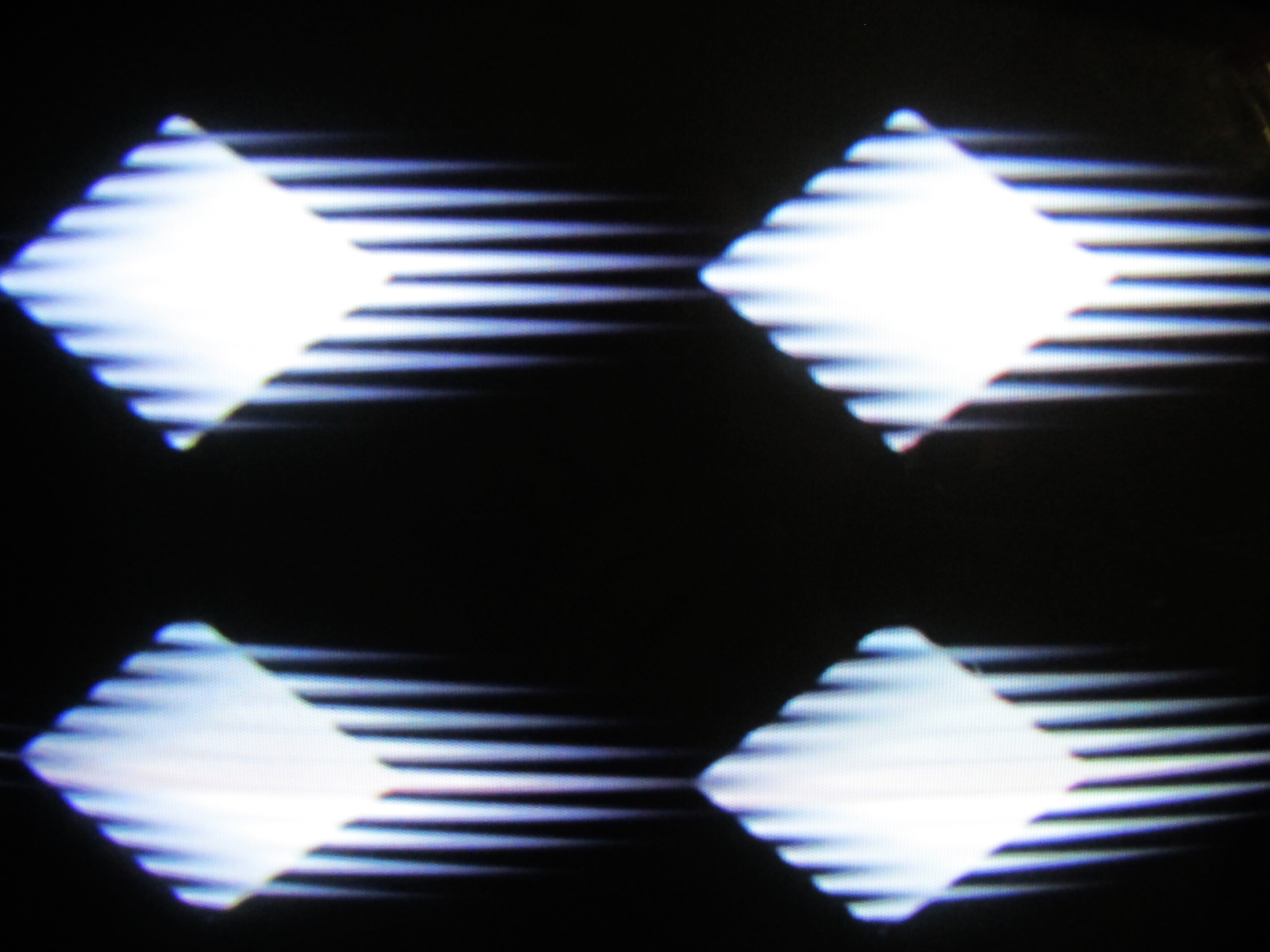
this one with the neg output of the keyer used to make the diamond shape routed through the Blur
#17 — reverselandfill · 2022-06-08
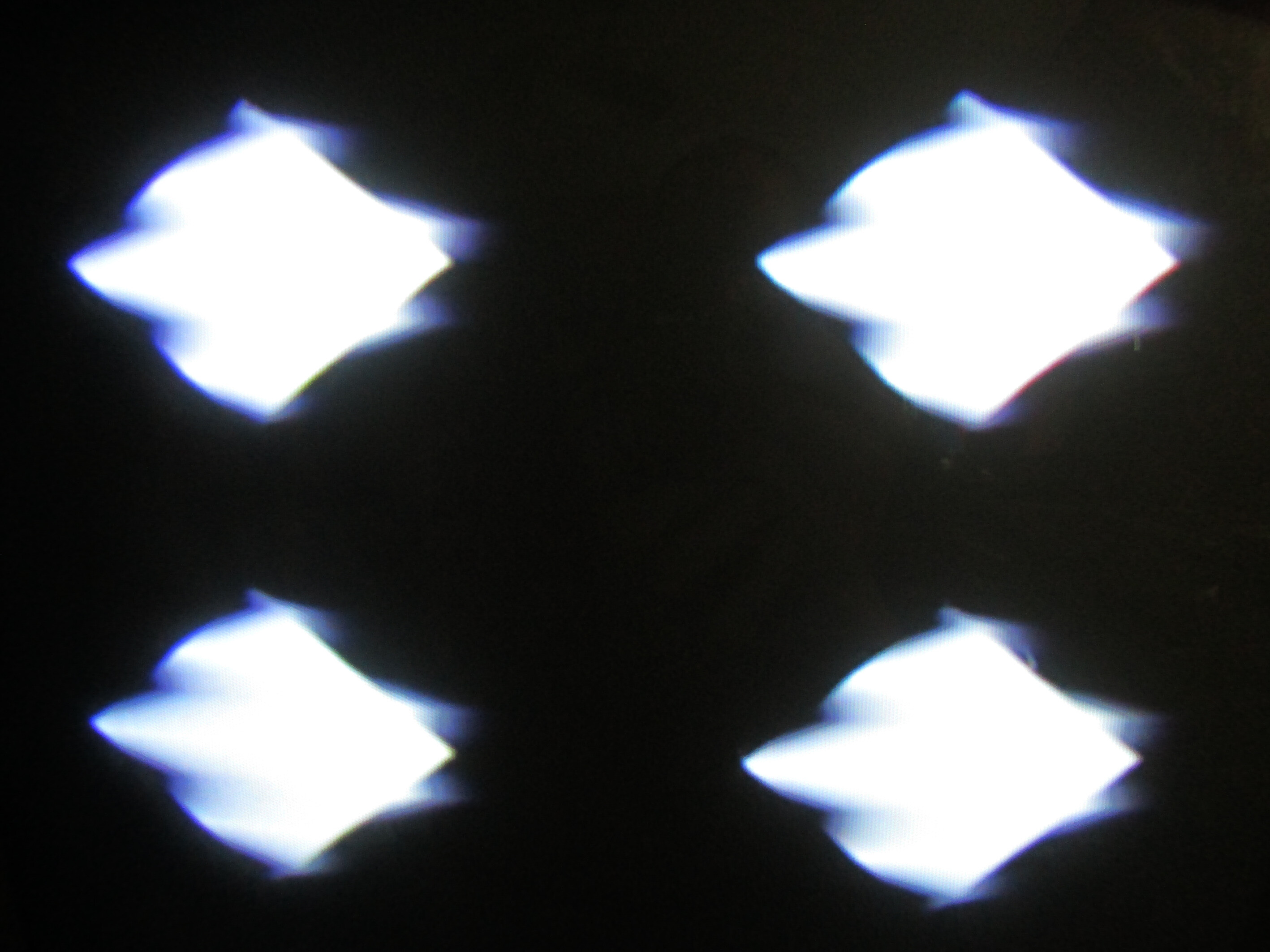
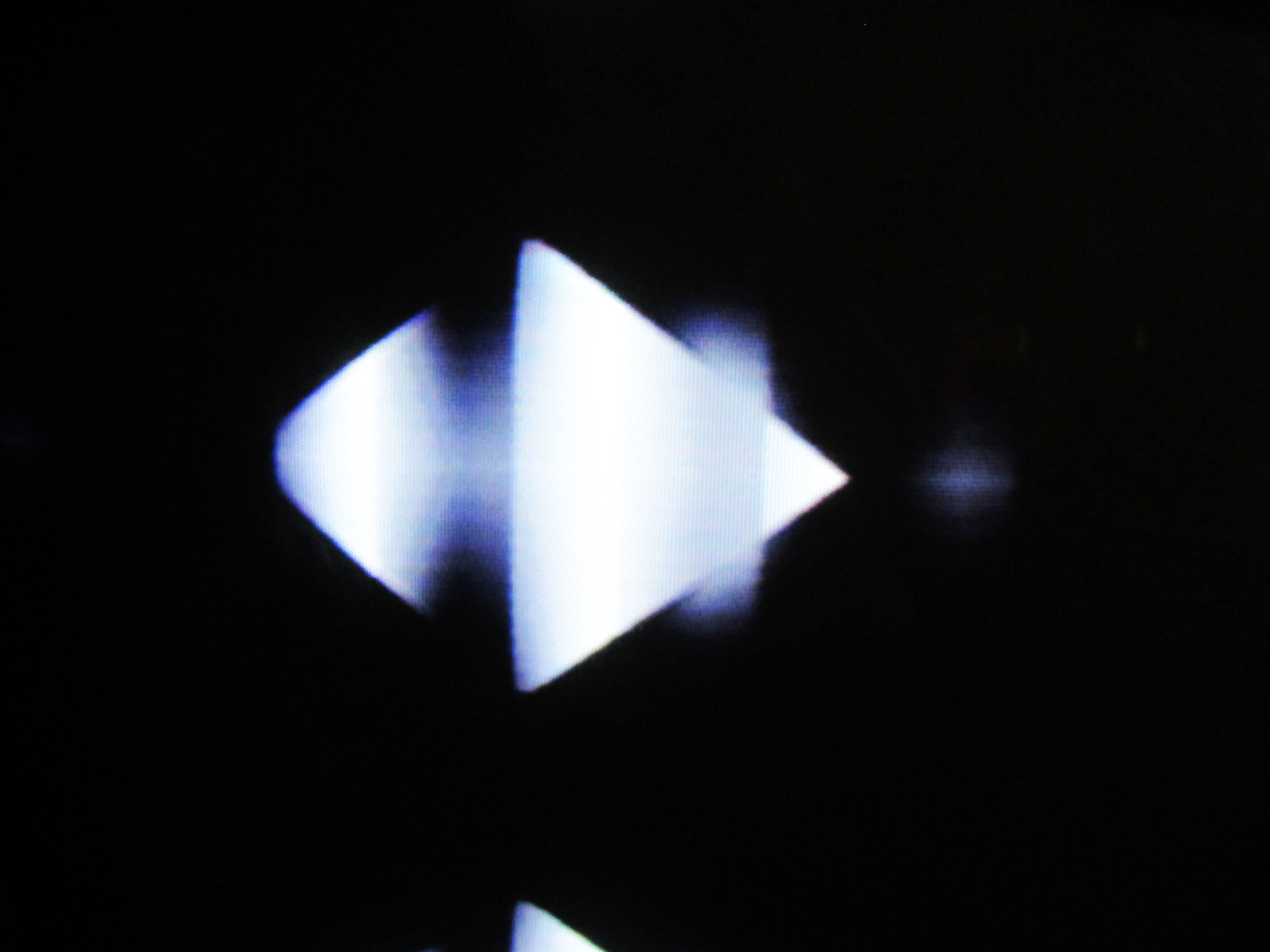
squarewave modulations
even more blurry shifts
#18 — phosphenes · 2022-06-08
Very cool! Stacking 3 with different blur amounts on RGB to give rainbow trails will be cooool
#19 — reverselandfill · 2022-06-08
dryodryo wrote:
Why CV on wet/dry mix instead of filter frequency? Keeping it simple? Animating blur amount would be epic, I would pay more for that.
I want to make some simple effect modules first, then see if I can manage a complicated filter module!
Modulating the dry/wet gives pretty cool results as well.
#20 — reverselandfill · 2022-06-13
new proto pcbs are ordered
#21 — cata · 2022-06-14
diggin these ghostly / whispy vibes
#22 — reverselandfill · 2022-07-06
the new pcb works as intended, and gives very nice results!
I’ll check some values and test some more. if all is ok, I’ll start a order thread!

current features:
- blur amount pot
- gain adjust pot (to match the dry signal to the blurred tint)
- blur range > 3way switch (blur/blurry/extreme smear)
- input jack
- CV over dry / wet signal
- output jack
trimpot for cv range (0-1v to 0-5v) with testpads
trimpot for gain adjust
jumper for blur to white or blur to black* more on this later
#23 — Rik_bS · 2022-07-06
To quote the band Blur…
Woohoo!
#25 — dryodryo · 2022-07-07
@reverselandfill Martijn, in the demo video and stills, I’m seeing a horizontal blur but no vertical blur. So is that the way it is? I guess that’s just the way a low-pass filter works.
#26 — rempesm · 2022-07-07
Rasters basically are drawn left to right, not up and down. You can’t create a vertical blur with an analog filter because you’d be going back in time or at least that would require a frame buffer.
#27 — dryodryo · 2022-07-08
@rempesm Yeah, I understand all that. But riddle me this. How does an analog switcher generate a continuously variable soft edge to a wipe? And not just a line or a box wipe, but a circle? There’s no time travel involved there, at least as far as I know. So there must be much more sophisticated math and circuitry going on there.
And before anyone says “Your switcher must have a frame buffer”, I’m talking about legacy switchers that have no TBCs, only genlock. To run videotape into such a switcher, you need external TBCs and everything genlocked to house sync.
#28 — rempesm · 2022-07-08
The type of wipes you’re talking about wouldn’t need a frame buffer at all! It is all happening in real time.
Maybe I’m misunderstanding what you mean by a vertical blur. Let’s consider this image from above which is blurring from left to right:
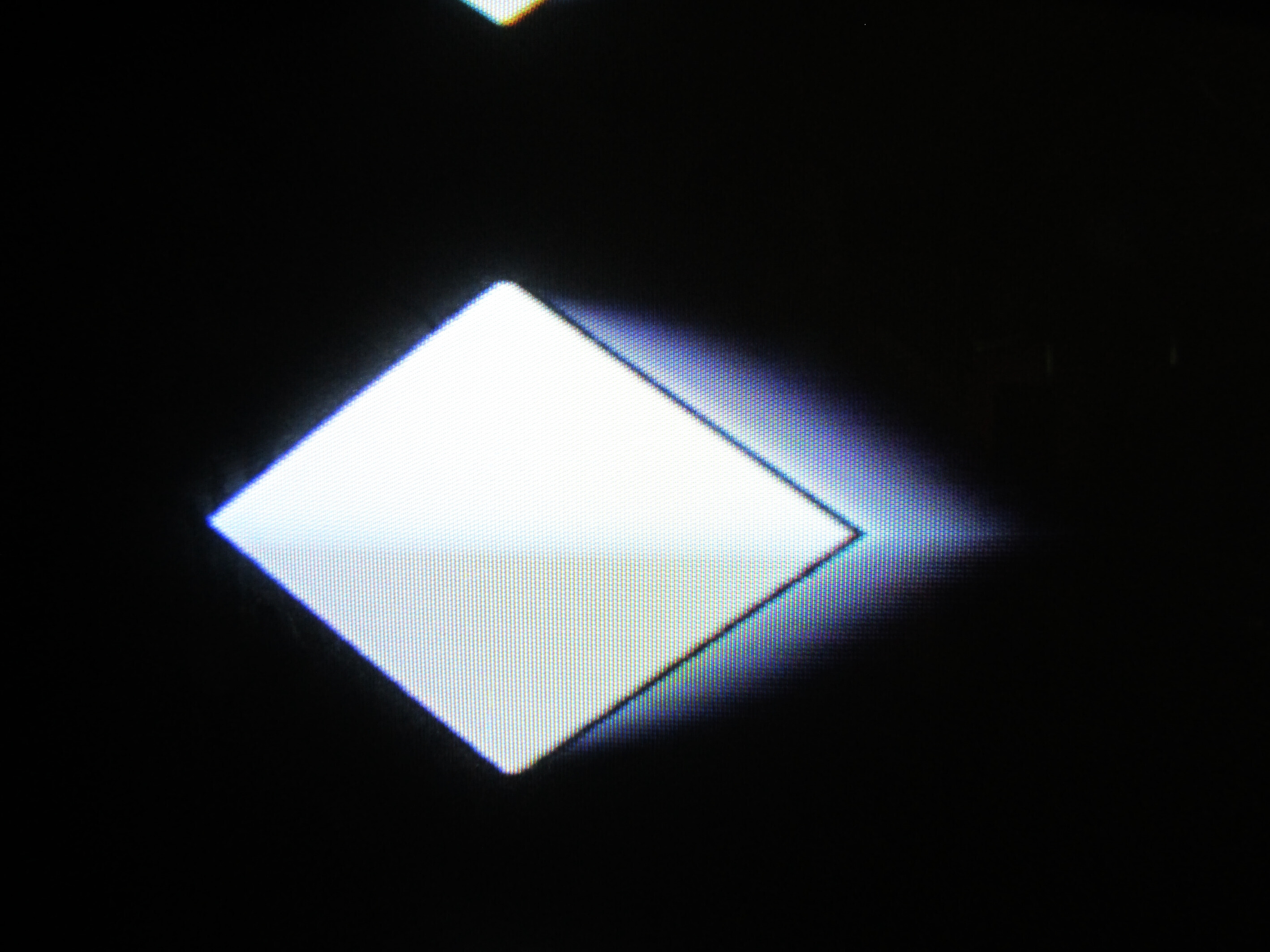
Are you talking about it being able to produce a directional blur like this?
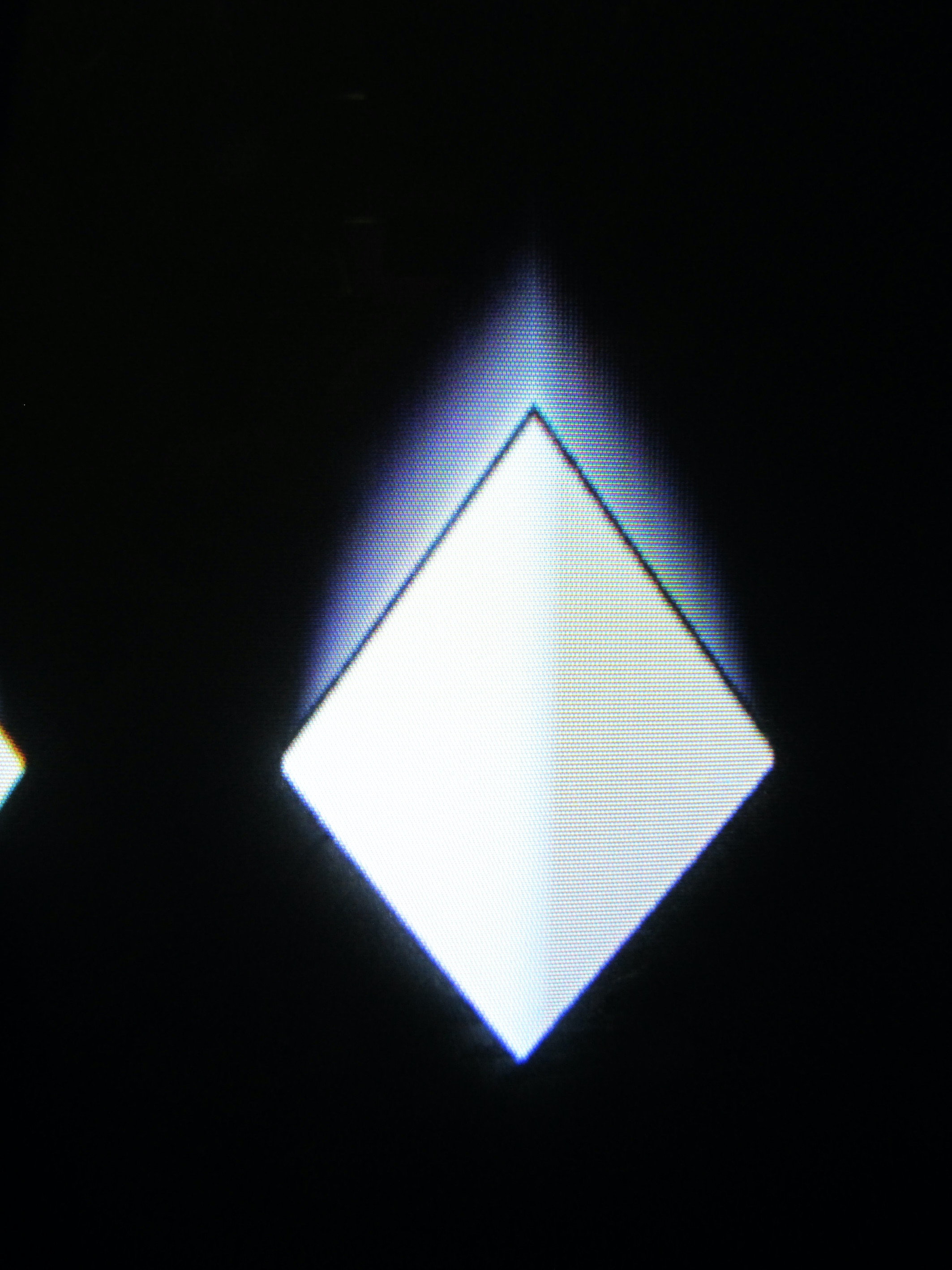
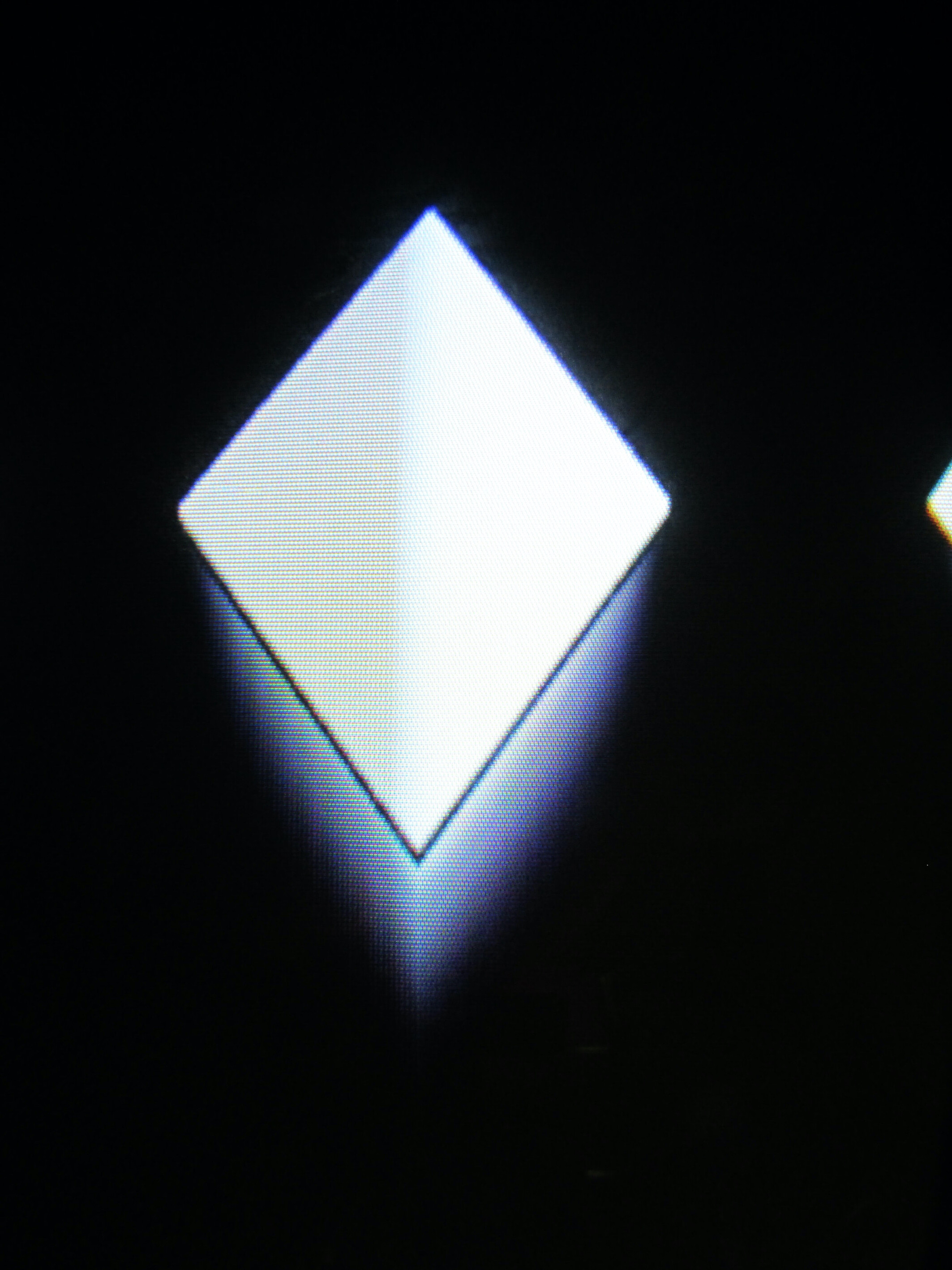
Or like this?
#29 — dryodryo · 2022-07-08
Actually what I would want is an isotropic blur… like camera bokeh. Equally blurred in all directions.
If that can happen on a circular wipe edge, without a frame buffer, it must be theoretically possible for a video signal.
#30 — reverselandfill · 2022-07-08
there are some possibilities with CV control.
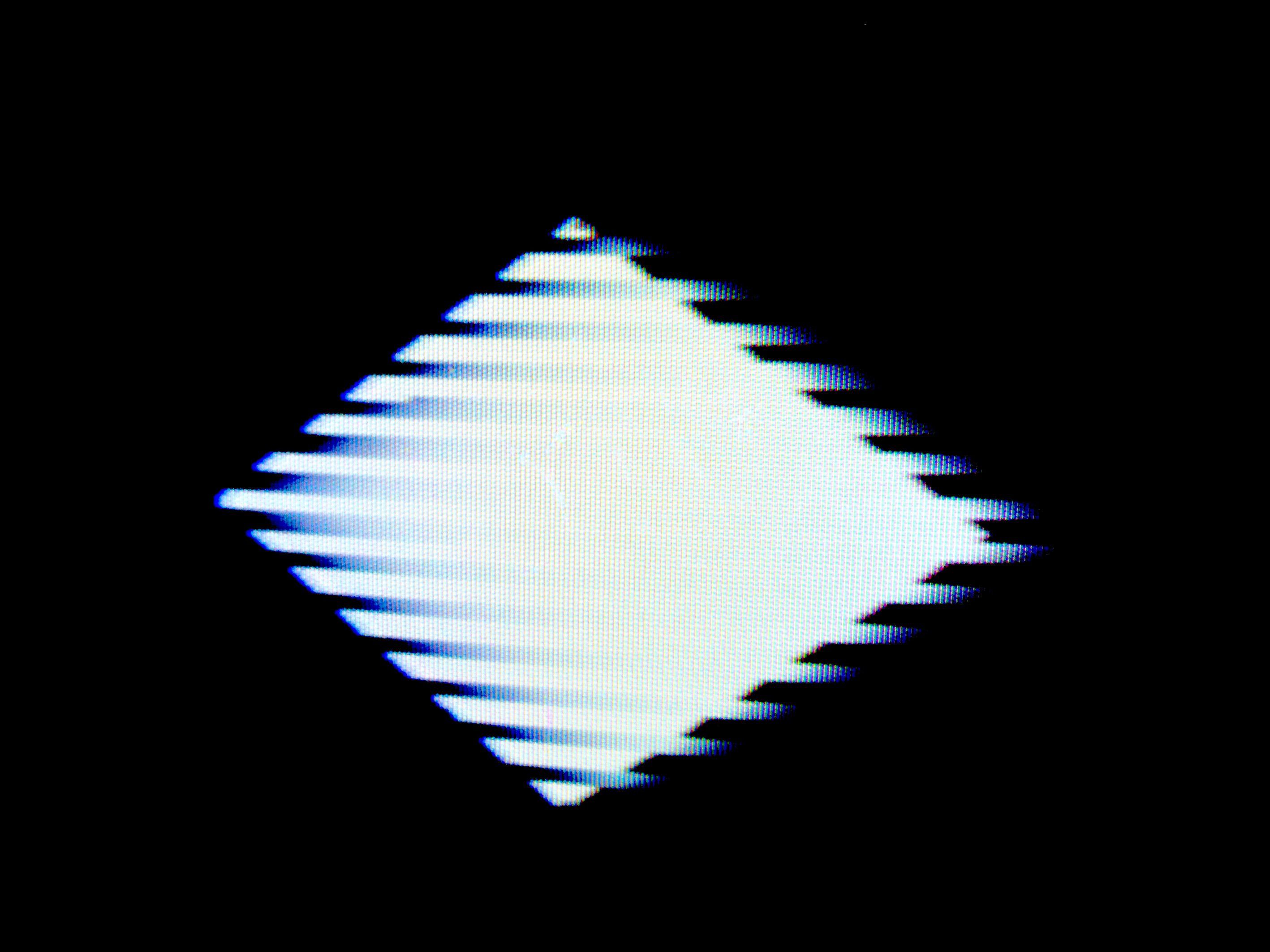
if you use vertical bars as cv input, you can get this type of effect:
(source is a keyed diamond shape)
but it will depend on the blurred region / amount (range) where it can go.
#31 — dryodryo · 2022-07-08
But that’s completely dependent on the shape. This is not really a vertical blur, and it only works because your source shape is a diamond. Fundamentally you’re filtering out the highest frequencies, higher than horizontal line rate. Right?
As I think about this, it seems like it’s not possible to create a vertical nor an isotropic blur with a low-pass filter. If the filter cutoff was high enough to create a vertical blur/delay, we would lose all of the detail in the horizontal dimension.
Which brings me back once again to the question, how does it work in a continuously variable soft wipe edge?
#33 — rempesm · 2022-07-08
dryodryo wrote:
it seems like it’s not possible to create a vertical nor an isotropic blur with a low-pass filter
Correct. This is the same case with any kind of analog filter in the video domain. If you want a blur to happen in all directions, the simplest way to do it outside of post-processing is to rescan your source image with a slightly defocused camera and composite it against your original source.
dryodryo wrote:
How does an analog switcher generate a continuously variable soft edge to a wipe?
Let’s say this is our Key input to a soft keyer:
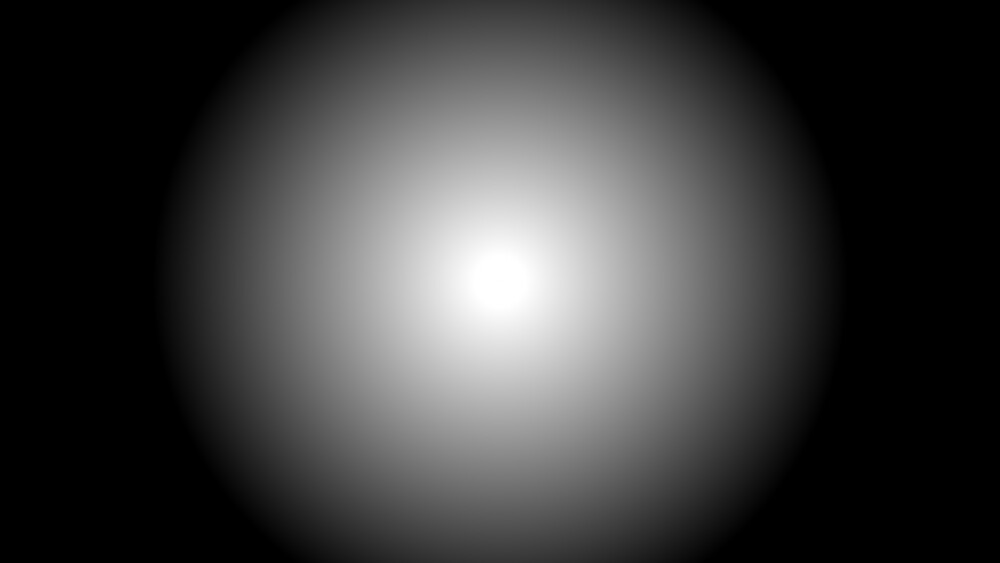
Background and foreground inputs can be whatever.
As you adjust the threshold of the keyer, it will follow the shape of the circle gradient that is already present across the full frame. It’s not going back in time to create this effect because the guide of the circle gradient as our key source is present at the time the keying operation happens.
With analog low pass filtering, you are removing upper frequencies at the time that they occur which gives the visual impression of a blur to the right. It can’t blur content that has already been displayed.
#34 — reverselandfill · 2022-07-08
yes, it is not vertical blur, but taking advantage of the shape and making the most out of it.
if the blur is extreme, you can get higher than the input shape
I’ll post some video later with some tricks. you can also get cool foreground / background type of effects.
#35 — wednesdayayay · 2022-07-08
rempesm wrote:
rescan your source image with a slightly defocused camera and composite it against your original source.
yes this!
sometimes it can be easy to get wrapped up in modules and hardware instead of real world solutions that are already available.
#36 — reverselandfill · 2022-07-08
yes, I use this method with a feedback camera setup regulary. rounded camera tunnel feedback spirals!
(instead of the usual rectangular shapes, or certain TV looks) >> slightly of totally unfocused works great!
patchtip: use the SNOW comparator output as a trigger to get disfocussed / “blurred” snowstorm / blizzard field of focus effects.
#38 — dryodryo · 2022-07-10
Rescanning introduces many problems around registration, brightness, contrast, saturation etc. It also assumes a spare camera, monitor, blackout rig etc. It might not be possible to create isotropic blur with an analog circuit, but maybe that functionality could be built into a future TBC2 firmware revision.
#39 — Marizu · 2022-07-11
rempesm wrote:
Correct. This is the same case with any kind of analog filter in the video domain. If you want a blur to happen in all directions, the simplest way to do it outside of post-processing is to rescan your source image with a slightly defocused camera and composite it against your original source.
Working with defocussed cameras is a great technique in general.
Interestingly, stacking a defocussed (inverted) image with a regular image was a method for sharpening an image when working with film in the photographic darkroom. It was called an unsharp mask and retains that name in Photoshop and other software. I’ve not tried it with video, yet.
#40 — reverselandfill · 2022-07-15
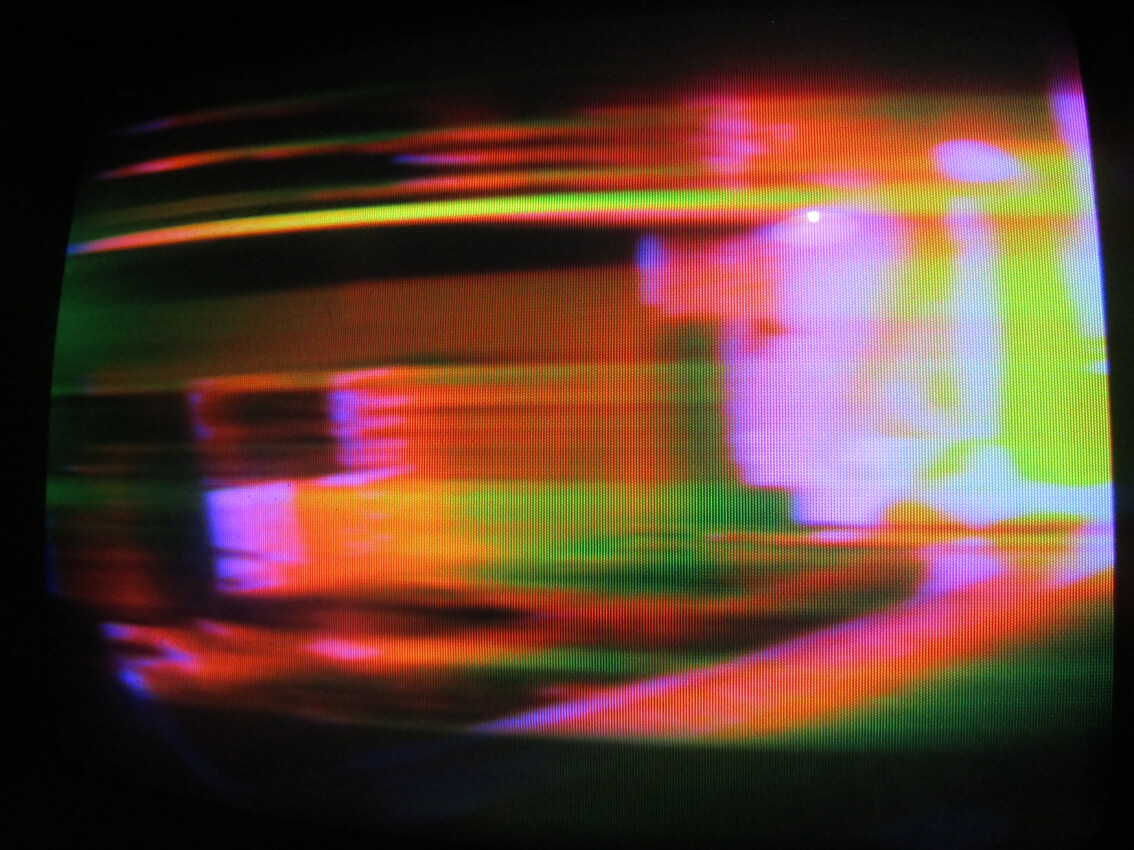
RGB with three BLUR modules can get crazy pretty fast!
here is a screenshot (I’ll post some proper captures later)
#41 — VanTa · 2022-07-15
Uuuu…
I’ll get three then :)))
#42 — reverselandfill · 2022-07-15
I am doing some patching with the BLUR now, it plays well with the Syntonie Frequency Doubler & Fox Priority Layering!
#43 — wednesdayayay · 2022-07-15
it would be interesting to priority layer being used to show an original B&W channel with a freq doubled version of itself and a blur > freq doubled version as well!
#44 — GaelJaton · 2023-04-06
Dring Dring… any news…?
I need simple sharp effet, it’s terrible for camera feedback squids, I use an old cheap Hama video processor only for the sharp knob, but it’s big and heavy. I dream about only this knob in a small but central place, but reverse the schematic is hard (totally analog but strange pcb design).
any tips…?
#45 — creatorlars · 2023-04-06
dryodryo wrote:
As I think about this, it seems like it’s not possible to create a vertical nor an isotropic blur with a low-pass filter.
You can, but it’s not the same as an isotropic blur, by using a video crossover @ hsync rate, applying separate vertical and horizontal filters, and then combining the results. This is what War of the Ants does to control the noise’s vertical and horizontal blur separately.
What’s needed for spatial blur algorithms and sharpening is a frame buffer based convolution matrix filter, where each pixel is modified according to the values of the 8 pixels surrounding it. A couple scanline buffers would do it if you were okay with some phase slip.
#46 — reverselandfill · 2023-04-07
the sharpen module design is not ready yet.
I kept adding features and ran out of space on the pcb.
I may just do a simple design, just to have something to use with feedback, as you say
thanks for reminding me
#47 — rempesm · 2023-04-07
Teletect Dual Enhancer is a sharpening function. (high pass filter at a fixed cutoff with adjustable gain)

https://github.com/Teletect/VS-002_Dual-EnhancerEurorack 4hp Dual Video Enhancer module. Contribute to Teletect/VS-002_Dual-Enhancer development by creating an account on GitHub.
Link: GitHub - Teletect/VS-002_Dual-Enhancer: Eurorack 4hp Dual Video Enhancer module.
You could also use an IP Differentiator (multiple fixed cutoff high pass filters summed into one output) and sum its non-inverted output with the source using any ol’ wide bandwidth mixer.

https://github.com/Teletect/IP-DifferentiatorEurorack 4hp Sandin IP Differentiator. Contribute to Teletect/IP-Differentiator development by creating an account on GitHub.
Link: GitHub - Teletect/IP-Differentiator: Eurorack 4hp Sandin IP Differentiator
You can print the PCBs yourself with either of these. Unfortunately some unscrupulous folks are building/selling them on Reverb which discourages R&D from actual designers so I’d recommend not buying from them and enabling behaviors that are detrimental to the video synth community.
#48 — reverselandfill · 2023-04-07
the basic version I have ready in Eagle has a highpass filter with switchable ranges and a summing mixer after that.
manual control over the amount of edge signal, dry signal and edge gain.
input & output jacks
ps: I have a few left over teletect dual enhancer pcbs/panels (I ordered 5 and only need 2 of these),
pm me
#49 — dryodryo · 2023-04-07
creatorlars wrote:
it’s not the same as an isotropic blur, by using a video crossover @ hsync rate, applying separate vertical and horizontal filters
I would rather have this than a one frame delay from a frame buffer. But that’s just me.
If you’re doing convolution kernels already, doesn’t that mean you can run shader code? At that point, “blur” is an app on a graphics engine, rather than a module per se.
#50 — joem · 2023-04-08
dryodryo wrote:
If you’re doing convolution kernels already, doesn’t that mean you can run shader code? At that point, “blur” is an app on a graphics engine, rather than a module per se.
Not necessarily. Convolution is just (weighted) averaging of some values in an array. Shaders (as the term is commonly used) means implementing OpenGL (or similar). It’s possible to implement convolution without implementing shaders. The easier implementation means it could be done on simpler hardware (like Lars noted: a few scanline buffers) than you’d need for shaders.
#51 — creatorlars · 2023-04-10
dryodryo wrote:
If you’re doing convolution kernels already, doesn’t that mean you can run shader code? At that point, “blur” is an app on a graphics engine, rather than a module per se.
Just one last note on this, since this isn’t in the right thread for it – what LZX is interested in doing with digital infrastructure is RTL based implementations of functions that are typically found in software shaders accelerated by GPUs. An RTL based implementation on an FPGA isn’t as generically powerful as an NVidia GPU, it’s more like a custom mini GPU designed to run a specific real time processes – more analogous to DVEs or game consoles from the 80’s and 90’s with custom ASICs than to modern PC GPU environments. That’s the difference between Memory Palace and any software/GPU based device that emulates something similar for example. A convolution matrix kernel is for example, a great candidate for a real time FPGA module (but something you could also do with shaders and GPUs.) Neither method is “superior” at all, it’s just different approaches to instrument design.