PVM9041QM problem with RGB. S-Vid & Composite are okay
Category: Unknown · Tags: — · Posts: 6
#1 — Kent · 2022-03-02
Looks exactly like this, sans the 4:3/16:9 switch.
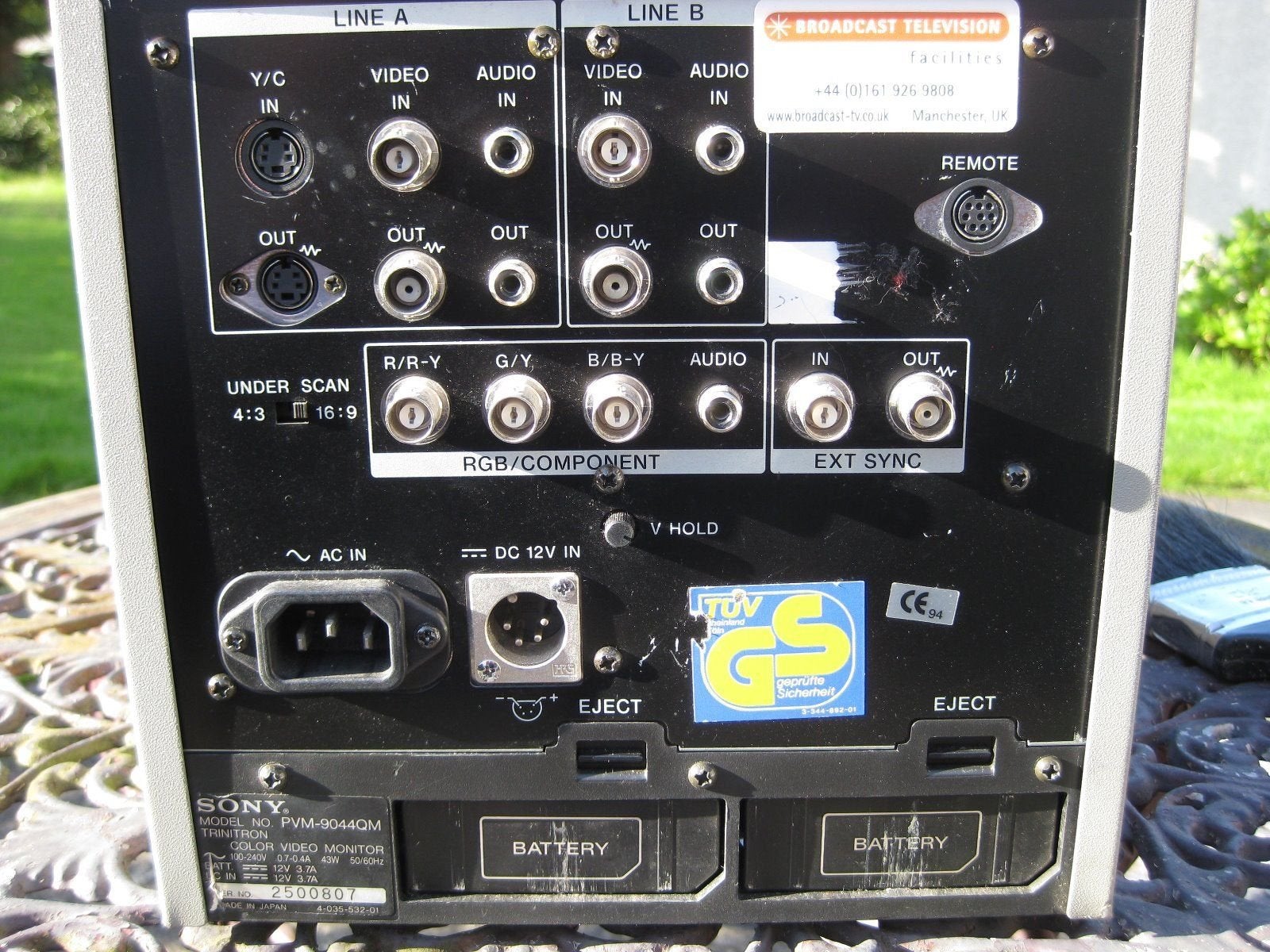
- Roland V4 via S-Video or Composite is fine.
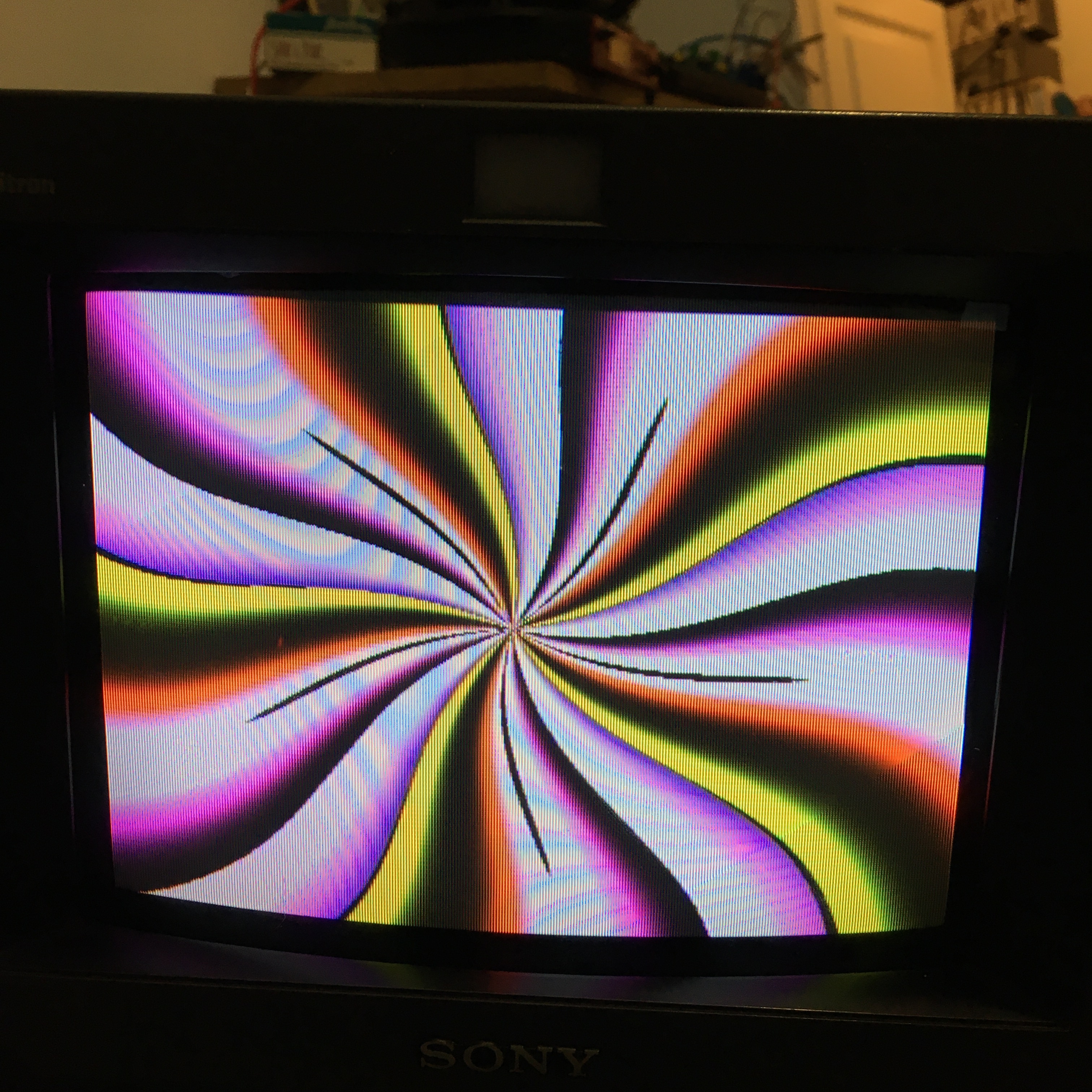
-
V4 out to Kramer VP-727 switcher/scaler works well to DVI & VGA on Benq monitor
-
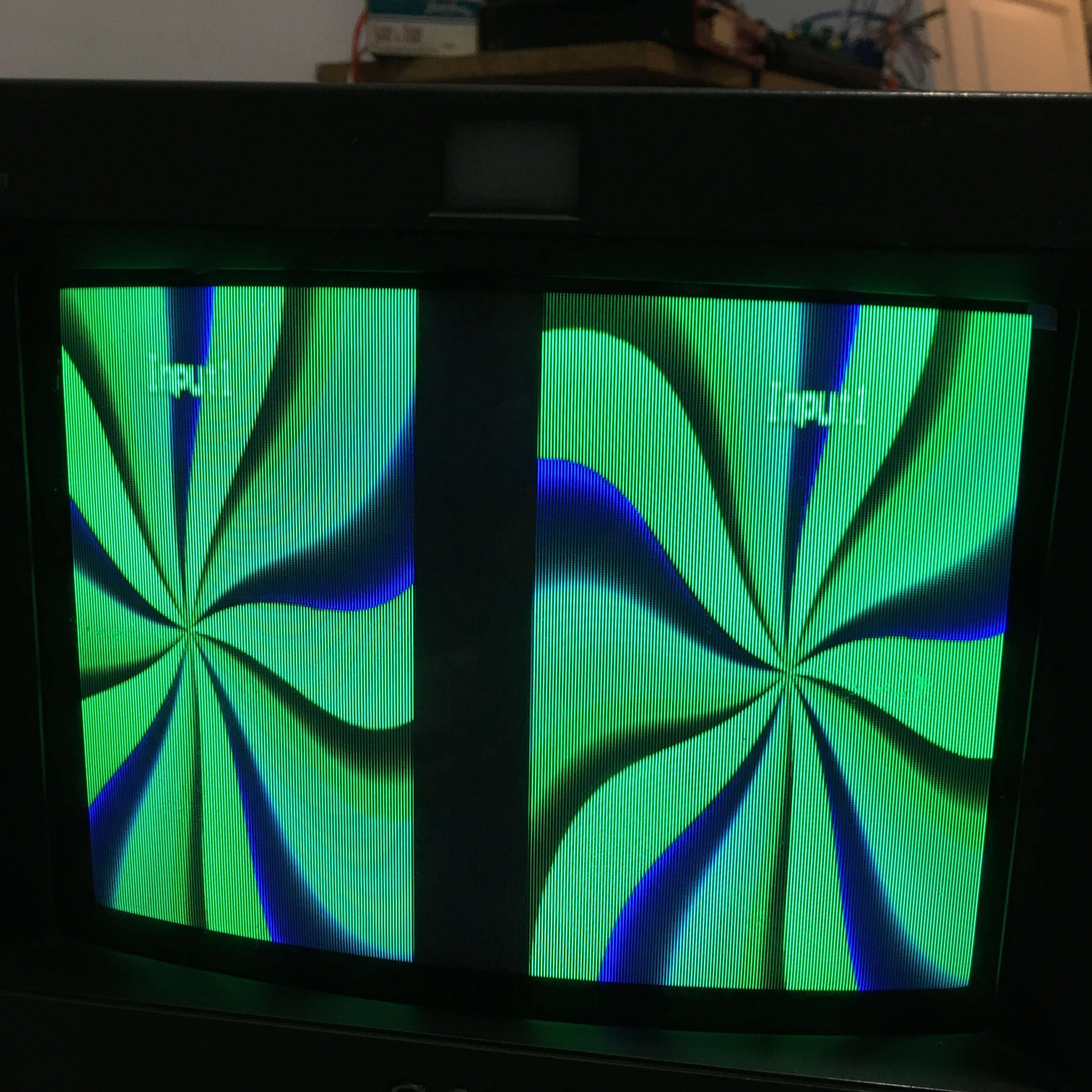
Kramer VP-727 via RGB to the 9041QM looks like this (yes, this is V4 Preview output but the result is the same upon the Main output as well.
-
9041QM switched to RGB input and RGB.
-
Sync set to Internal. External produces a black screen.
-
Similar result (but better color) when switched to RGB input and YPbPr, (or was it the other way around? Either way, it doesn’t work.)
-
Cables eliminated as source of error by swapping out a known good one, one-at-a-time.
-
Every resolution on scaler has been tried.
Link to Sony PVM 9041QM Manual
I had to stop futzing with it as I have an engagement to go to. I figured I’d implore y’all for an assist.
#2 — prakodr · 2022-03-02
Well I hope I’m wrong but I think I found the problem. It looks like the VP-727 will only output a progressive signal. And I’d be surprised if the Sony accepted progressive.
#3 — Agawell · 2022-03-03
that’ll do it - you need a converter that outputs interlaced video
#4 — Kent · 2022-03-03
Thanks to you both. It’s pretty obvious, once pointed out, that we’re seeing the two interlaced frames.

I was blind to the readily apparent as the other two outputs (of the scaler) were displaying correctly (DVI & VGA).
I’m very much surprised that there is only one interlaced setting on the output of the scaler.I’ll check for a firmware update and also see if an appropriate interlaced setting can be set up as one of the three craftable “user” output options.
Thanks again for the help.
#5 — Kent · 2022-03-03
Kramer support got back to me very quickly (under 30 mins) and sent me a link to an update that might make things work. I’ll have to install an emulator or grab a PC for this and then see how it goes. Will report back.
#6 — Agawell · 2022-03-04
good luck!

I’ve got a hdmi → component converter that does this and another that just won’t play into my visual cortex at all - but thankfully just 20 quid each or so - the first one can be used as an effect - the second is now being used to send chromecast to an old tv…