Running multiple movies in sync for keying, etc. on Mac OS
Category: Unknown · Tags: — · Posts: 10
#1 — Boneoh · 2024-06-17
Hi, all! A lot of my video stuff is processed using FKG3 and then mangling it. Typically this is foreground, background, and key but sometimes just three streams to be mangled.
I was never able to find a Mac program that I could use to process playback without menus, title bars, etc. so I wrote my own program. That receives MIDI commands, and I was able to run three copies at a time to output to three video streams. It seems that they were pretty close to being in sync until my last update to the Mac OS.
The past couple of weeks I’ve been doing a major rework to have a single program that outputs three streams and syncs with the system clock. This is almost done, I just need to test some more. I’ve found that it can playback the three streams and keep in sync, usually a max delta of one frame. I’ve seen it sometimes delta two frames between the slowest and fastest. I haven’t given up on trying to fine tune it, but I haven’t had any time to make videos and have another project on the front burner.
In addition to syncing, the program has a few nice features.
MIDI commands for
Play
Pause
Rewind
Play In to Out
Mark In
Mark Out
Go To Begin
Go To End
Go To In Mark
Go To Out Mark
Clear In
Clear Out
Clear Both
These can be applied to individual movies or all at once depending upon the MIDI channel.
The current settings can be saved to and loaded from a .json file as a workspace.
I will post a link to a sample video asap that shows a bit of this.
If anyone is interested and has a Mac running at least 12.0, please let me know.
Regards,
Pete
#2 — Boneoh · 2024-06-17
Here is a sample test video on Vimeo A sample test video
#3 — Boneoh · 2024-06-18
A few features I forgot to mention. I use a BeatStep Pro for my MIDI controller.
The transport buttons on the bottom left will Play and Pause.
The Encoder knobs are jog.
Knob 1 = jog coarse - plus/minus one percent of video duration
Knob 2 = jog medium - plus/minus one second
Knob 3 = jog fine - plus/minus one frame
#4 — Agawell · 2024-06-18
Hi Pete,
I’m interested - using an m1 mac running sonoma (14.1.1)
cheers
Jim
#5 — Boneoh · 2024-06-18
Cool! I hope to be able to deliver for testing in about two weeks.
A couple more features I forgot about:
Knob 4 - playback speed plus/minus
And for the BMD HyperDeck HD Mini
Start Recording
Stop Recording
#6 — Agawell · 2024-06-18
that sounds great, Pete!!
#7 — Boneoh · 2024-06-18
I’ve updated a couple of cheat sheets that show the commands. I’m basically in test mode now, once I’ve finished I will release it to the wild!
#8 — wednesdayayay · 2024-06-18
the one I like to use for this kind of video collage https://www.instagram.com/p/CpnqaenjAK4/
is Pixea
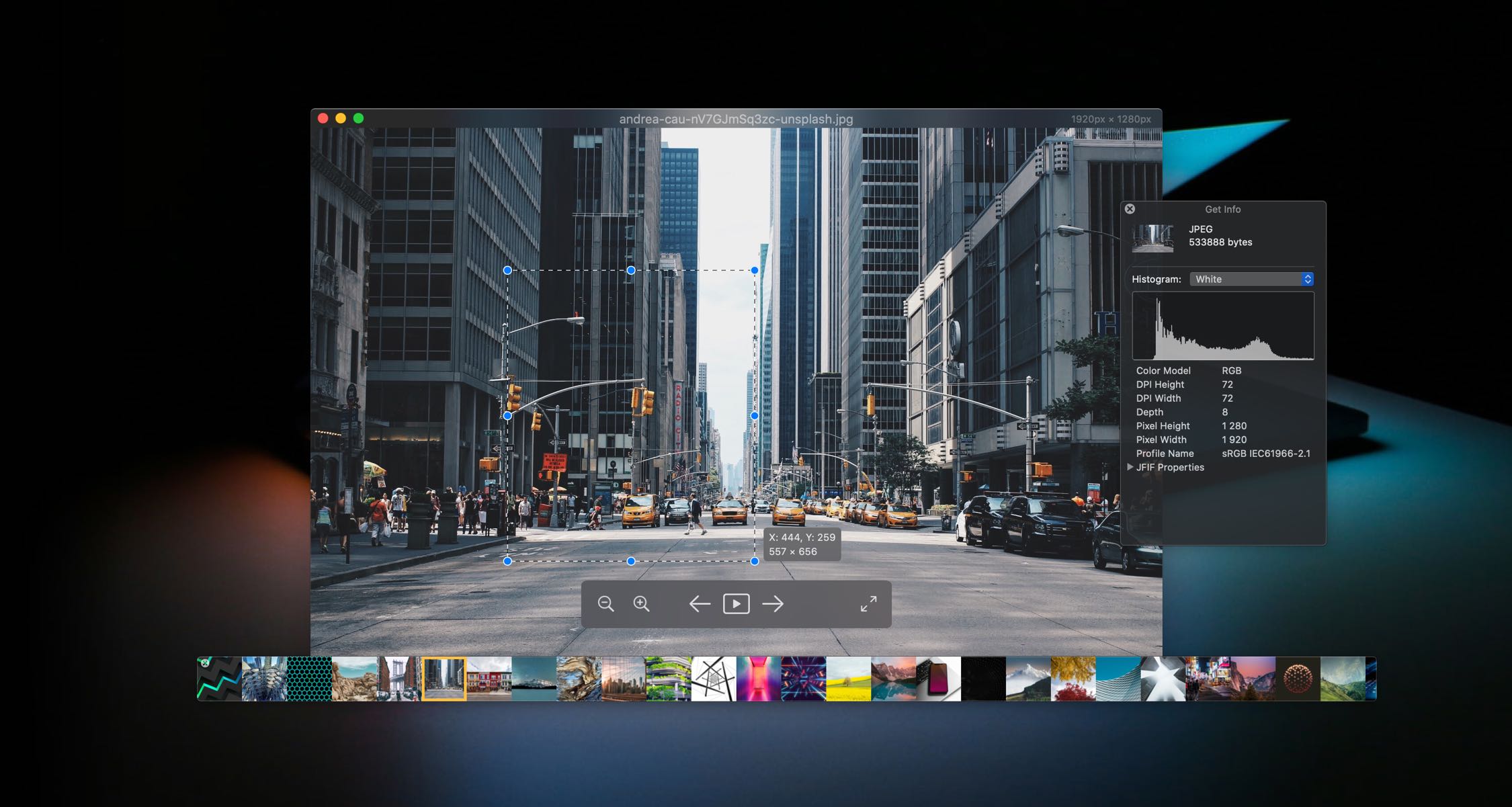
https://www.imagetasks.com/pixea/Pixea is an image and video viewer for macOS with a nice minimal modern user interface. Pixea works great with JPEG, HEIC, PSD, RAW, MKV, MP4 and many other formats.
Link: Pixea - The invisible image and video viewer macOS
however it does not offer any of the features you mentioned. It is just an invisible media player
I’m excited to try what you’ve got once you are ready for a release
#9 — Boneoh · 2024-06-20
The last development item for this phase is to implement MIDI mapping into a configuration file.
I have a BeatStep Pro, but I’m sure many of you have different MIDI controllers that will need to be supported.
Here is a link to a .txt file that contains the configuration for my computer. This is normally named Config.json but was renamed as Config.txt so it can be easily read.
I’d like your opinions on how difficult it would be to edit this. I can certainly help in creating these, but at some point I will want to get back to making videos!
#10 — Boneoh · 2024-06-24
Hi, all. I’ve made some great progress this week and am ready to start testing. If you’re interested, please send me a PM with your email address. I’ll send you links to more information and will be uploading the application asap. I’d like to know what MIDI controller you will be using. I only have a BeatStep Pro here. It shouldn’t be difficult to help get the MIDI commands setup for other device, but since I don’t have any other I will help with getting things going. Thanks!