iPhone Video into Cortex
Category: Unknown · Tags: — · Posts: 6
#1 — jambirn · 2019-01-17
Hello Everyone,
What’s the best way to get an iPhone video feed into the Visual Cortex?
Thank you!
Jim
#2 — peloazul · 2019-01-17
Just spitballing - probably a lightning to HDMI connector and some sort HDMI to composite or HDMI to component box. That would get you started.
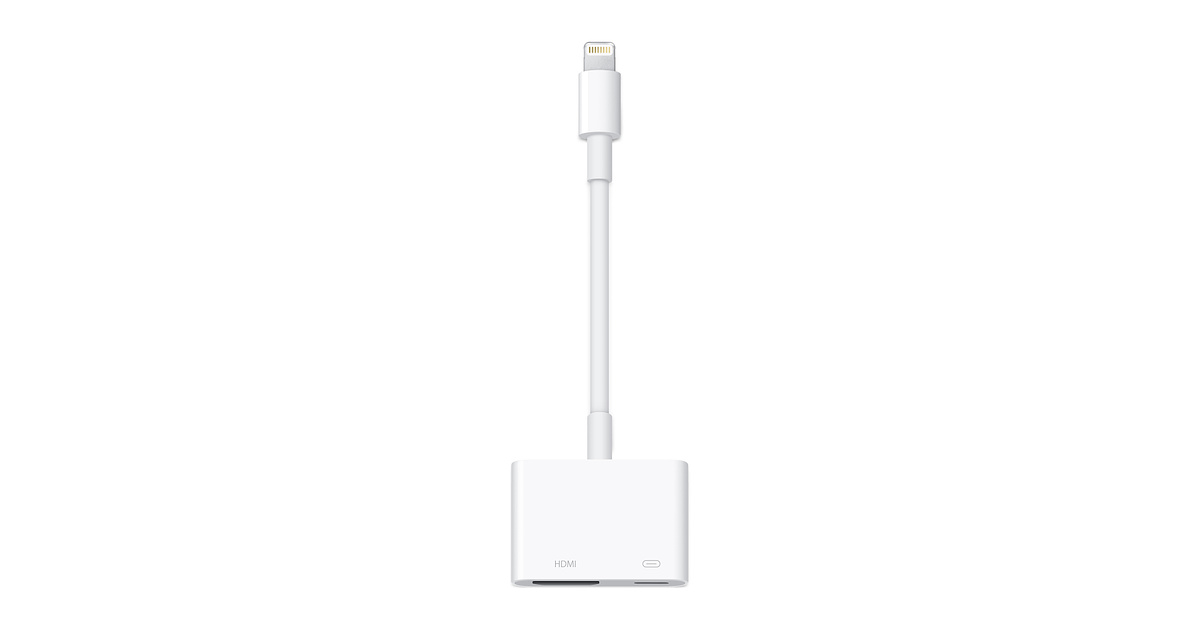
https://www.apple.com/shop/product/MD826AM/A/lightning-digital-av-adapterThe Lightning Digital AV Adapter mirrors what you see on your iPad, iPhone, or iPod so you can enjoy it on your widescreen TV or another HDMI-compatible display.
Link: Lightning Digital AV Adapter
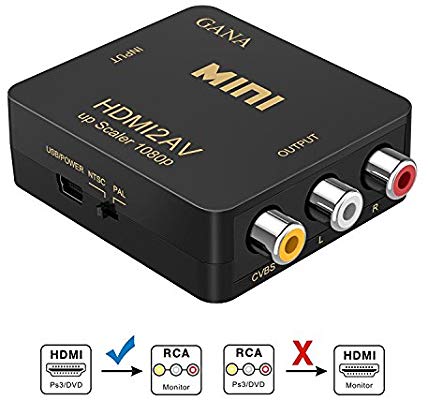
https://www.amazon.com/gp/product/B06W9LQDBB
The sky is the limit on the HDMI to component/composite part, though! I just linked something cheap.
#3 — northerntao · 2019-01-17
Would probably need something like this to go to the Cortex along with the Apple lightning to HDMI adapter above. With composite, I think you will just get monochromatic.
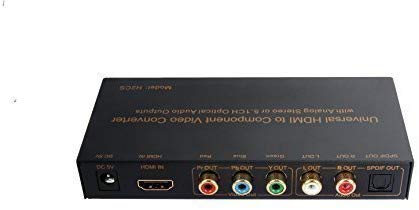
https://www.amazon.com/Universal-Premium-Quality-Component-Converter/dp/B017LVMAWG
#4 — Agawell · 2019-01-17
if you want it to lock properly make sure to get one that will scale from what your phone outputs (no idea, personally) to 480i or 576i
#5 — peloazul · 2019-01-17
This is a good point! The Apple adapter will give 1080p and you want NTSC or PAL for the Cortex.
#6 — Agawell · 2019-01-17
this one looks good to me
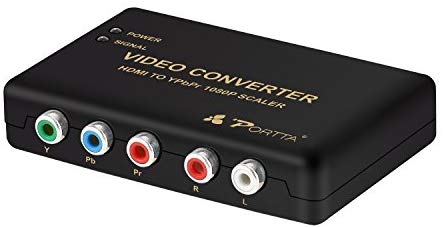
Link: Portta HDMI Converter HDMI zu YPbPr Komponente RGB + R: Amazon.de: Elektronik