Memory Palace V19 Beta Dec 2019
Category: Unknown · Tags: — · Posts: 37
#1 — creatorlars · 2019-12-24
As promised, we have a new version of Memory Palace firmware for you all to try. At this time, there are some rough edges and still a lot of work to do. We plan to have V19 wrapped up at the same time TBC2 ships, since they will share a common code base. If you’re happy with the current firmware and don’t want to disturb any projects or performances in progress, you should stick with V18 until we get to that point.
BUT! If you’re anxious for some really powerful new features and performance improvements and want to be part of the refinement process, jump on board the V19 train and help us out. We’ll keep this thread updated with a known issues list and welcome your feedback or bug reports as comments here.
Download firmware here: https://github.com/lzxindustries/firmware/tree/master/memorypalace
Installation instructions: Memory Palace User Guide
Major Features / Enhancements
- 60Hz recursion speeds allow more fluid feedback
- Enhanced user interface/menu (WIP)
- Screen vs Vertex positioning (SPACE menu page)
- Vertex capture and displacement via Alpha+Aux inputs (SPACE menu page)
- Selectable mirror modes (SPACE menu page)
- Adjustable warp vertex masking (SPACE menu page) for bit reduction or turning off filtering
- Selection of Internal vs SD Card memory
- Improved media loader. Will now load still images at any size up to max buffer dimensions 720x576. Can use either storage space for media.
- USB access and media file scanning should be MacOS compatible
- Groundwork has been laid down for a much more extensive list of functions we’re excited to implement
Known Issues / Work In Progress
- MIDI and Trigger controls are disabled.
- CV/parameter ranges and display of values in the GUI needs some tweaking
- Various GUI display rough edges (lots more planned)
- Clear button unfreezes the ARGB input but does not clear the frame
- DVI output should be working but needs more testing
- Thumbnails won’t load from original still image sets as-is
- Freeze function not working?
- Settings not saved through power cycle
Updates Since Original Post
- 12/24/2019 12:17PM PST – Fixed paint mode, added ghost, fxkey and keyfx modes
#2 — nerdware · 2019-12-26
creatorlars wrote:
Vertex capture and displacement
Is this anything like displacement mapping / remapping? I’ve used both in ffmpeg with happy results, but not realtime, live use. I’d love to see this done in an Orion module - so, could this be it?
Thanks.
#3 — creatorlars · 2019-12-26
Yes, displacement mapping is exactly what this is.
#4 — nerdware · 2019-12-26
Yay! Excellent, thanks.
#5 — Z0NK0UT · 2019-12-28
Moving this post here: cburst 14h
I was just watching the Jones framebuffer DVD from the ETC ‘Early video instruments’ set. One interesting feature is the ability to add a single image into a specific frame of the frame buffer (i.e., frame 12/30, repeating once each second). I’m going to start trying the new memory palace firmware beta today, but I was wondering if the ability to insert a frame into the framebuffer is a possible future firmware feature.
#6 — Memoryphallus · 2019-12-31
Don’t know if it’s related to the update. My freeze function has ceased to work.
#7 — Dewb · 2020-01-03
Finally got a chance to install this yesterday. The 60Hz feedback is beeaaautiful.
#8 — tenshun · 2020-01-04
it says in the known issues the Freeze function not working.
Also the trigger and midi jacks dont work.
i am waiting for them to fix that before i install this firmware as i use those alot in my patches
#9 — giantmecha · 2020-01-07
Finally got my MEMPAL upgraded and loving it. Found a bug with the DVI output, recording DVI/HDMI > HDMI input on Intensity Shuttle (Thunderbolt). Anyone else having this issue?

#10 — Z0NK0UT · 2020-01-07
Is the black bar stationary, or does it move?
What is your sync source? What other modules are in this patch?
#11 — creatorlars · 2020-01-07
DVI issues are known and will be fixed in the next update.
#12 — giantmecha · 2020-01-07
Thanks, Lars. Sync source is VC and Nav/SC/Curtain are the only other modules in the patch.
#13 — Dewb · 2020-01-08
Does the A/B button still work? Trying to set it up to toggle between Luma and Chroma keying but I can’t seem to. I didn’t use the A/B functionality heavily in V18 so it could be user error.
#14 — jjplano · 2020-01-17
I installed it a few days ago, I barely had the chance to use it, really. but what I miss about original v18 firmware is the first screen that kind of lets you know all the stats about everything. working live that’s a huge help, because having to navigate through all the menus to check everything on a screen that small in the middle of doing a live set it’s not ideal…
#15 — Jesse · 2020-01-18
Yeah I miss that too.
Maybe would be cool continue w a stats screen as the topmost level - where there’s no changeable params, just the various params & what their respective values be.
#16 — Jesse · 2020-01-18
Having same issue on DVI output. Stationary centered black bar just like giants cap. It’s actually some kind of mirroring or duplicating in my case.
When do you expect to drop that update @creatorlars?
#17 — cburst · 2020-01-18
agreed, same here, would like to see this return in a future update
#18 — wiatrob · 2020-01-19
Another vote for a ‘dashboard’ view option. That said with the new zeroing and snap to value functionality, I did it less necessary than the shipping version.
#19 — creatorlars · 2020-01-20
Dashboards are definitely the plan! The GUI design we’re fleshing out has a dashboard style view of main sections from the home screen (so on the home page, you’ll be able to toggle between a few different dashboard overviews, which you can then “enter” to edit parameters on the sub page.)
#20 — a_digital_index · 2020-01-21
What is this new mysterious functionality you speak of? I have not delved deep into the new firmware.
#21 — ebbflo · 2020-01-22
I did not see it mentioned above but I noticed that setting adjustments like slew, etc… were volatile in V19. Is this the consistent case? Will the final version save these settings?
#22 — wednesdayayay · 2020-01-26
So i’ve just got my system set back up with the return of my visual cortex and now it seems like the fan is running really loud on the memory palace as soon as I power up the vessel case
maybe it is because the vessel case isn’t full anymore and I just couldn’t hear it before because the case was full?
I can’t imagine it was this loud though
anyone else have any issues with the fan on the back of memory palace?
#23 — VanTa · 2020-01-26
I’ve also noticed my MP even louder than before. It would be nice to have a setting to set the speed of the fan.
#24 — wednesdayayay · 2020-01-26
i feel like there used to be something in the system setting but maybe I’m just thinking of the structure module
#26 — a_digital_index · 2020-01-28
I asked. No fans speed options are possible. Structure has on/off. The fan in MP is pretty critical.
#27 — wednesdayayay · 2020-01-28
it must just be that my vessel case isn’t full of modules right now I suppose
#28 — a_digital_index · 2020-01-28
Mine is in a full skiff and it is loud. It has always been loud relatively speaking.
#29 — creatorlars · 2020-01-29
Re: Settings being volatile. That should not be the case, you should see all settings remain through power up on V19. Let me know if not.
#30 — VanTa · 2020-01-29
Also volatile on my side.
#31 — creatorlars · 2020-01-29
Try switching the drive to “internal” in the system menu and let me know if that changes settings retainment for you.
#32 — ebbflo · 2020-01-30
I reverted to v18 after realizing the issue. I was in the middle of a project and about to got live. After I noticed it I did 3 or 4 power cycles and setting calibrations before reverting. There were some hiccups in the reversion process as well and I have some projects currently running through March and so am reluctant to try the beta again until after that but I may get brave, I am at a new start point this week… I was getting really sweet results with vertex-displacement mode modulated with an external keyed video feed and am tempted. I like the option of the dead band but that is not my preferred default option and I like lots of slew.
#33 — csboling · 2020-02-01
creatorlars wrote:
Try switching the drive to “internal”
For me, using the memorypalace_v19-beta-12242019.2.zip file that adds ghost/keyfx modes, no button states or offset/slew type settings are persisted on shutdown. When trying to change “Drive” to a different value than “SD Card” in the System menu, the modules’s LCD appears to shut off completely while the output is solid green for ~7 seconds, then the output comes back on and I am kicked back to the top-level menu. “Drive” still shows “SD Card” after this and settings are still not persisted. Memory Palace is from order #1926.
#34 — wiatrob · 2020-02-01
Also confirming that settings are not saving for me. I can not select Internal, screen goes blank and then defaults back to SD card with all settings reset.
#35 — cinema.av · 2020-02-04
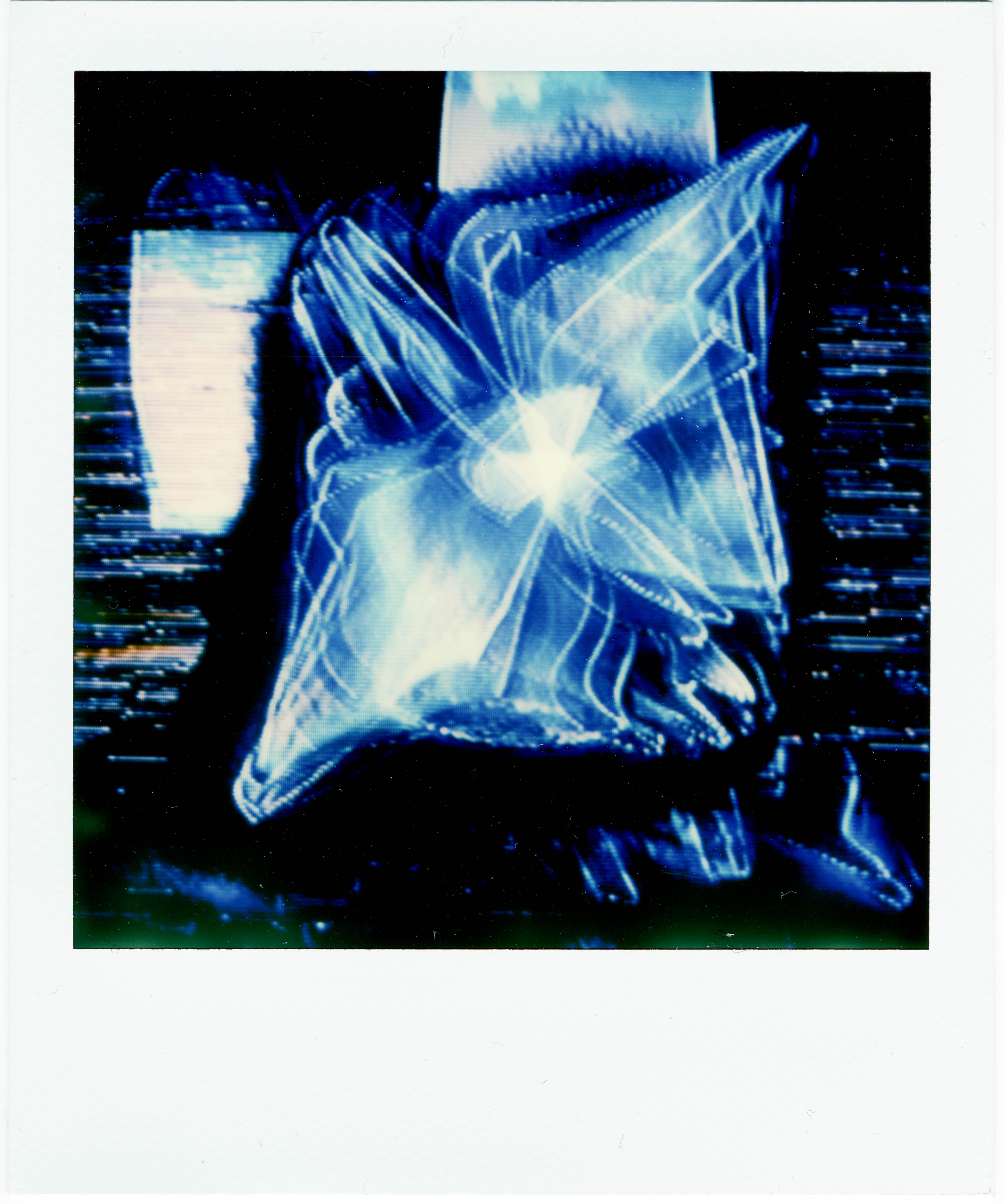
settings are not saving and i’ve experienced the random crash twice, maybe 3 times now. once was during the capturing of this polaroid:
#36 — efp3 · 2020-02-17
The fan was the first thing I noticed as well. Really loud. I just tried switching to the internal, but the screen goes black and it just stays on sd.
#37 — monads · 2020-03-22
The Memory Palace’s internal fan is just too loud!!!