Skip to content
Videomancer

Videomancer

Video Effects Console

Ships in 24 hoursSecure Checkout
Read the Manual →

Get Started with Videomancer

  1. 1
    Connect Power

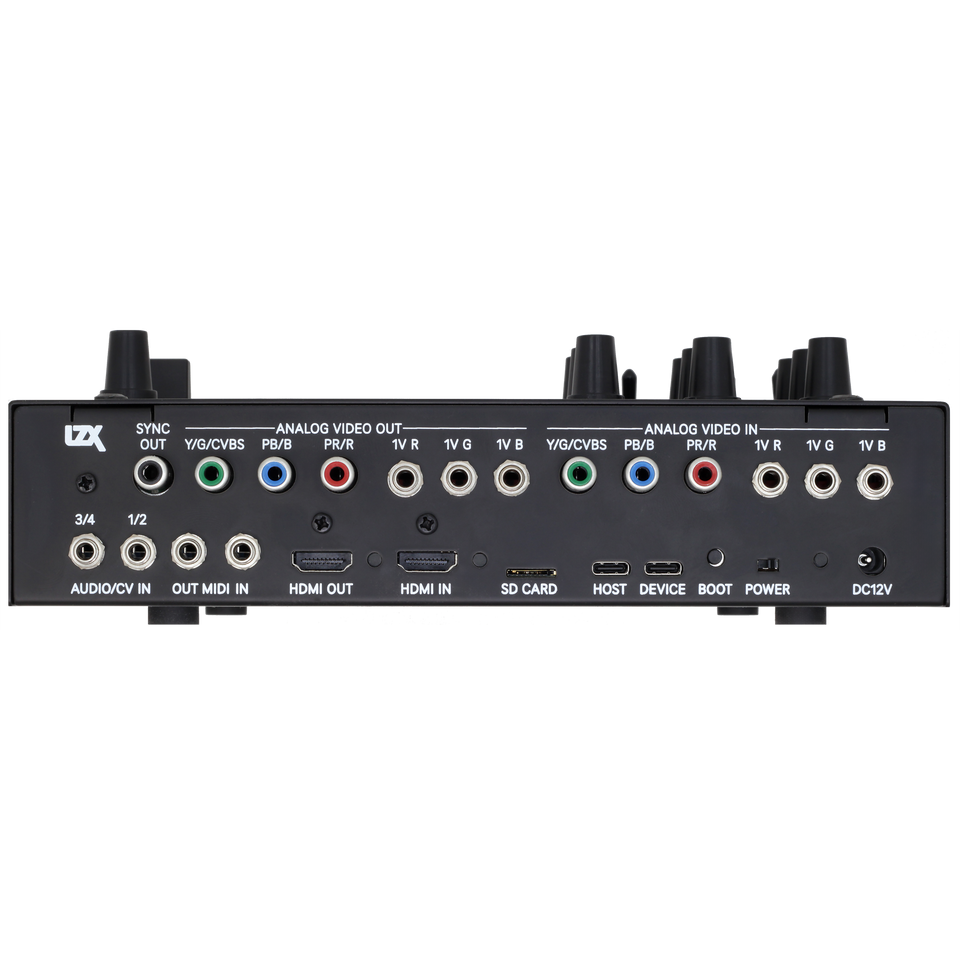
    Plug the included 12V DC power supply into the barrel jack on the rear panel.

  2. 2
    Connect HDMI

    Connect your HDMI source to HDMI IN and HDMI OUT to your display.

  3. 3
    Power On & Load a Program

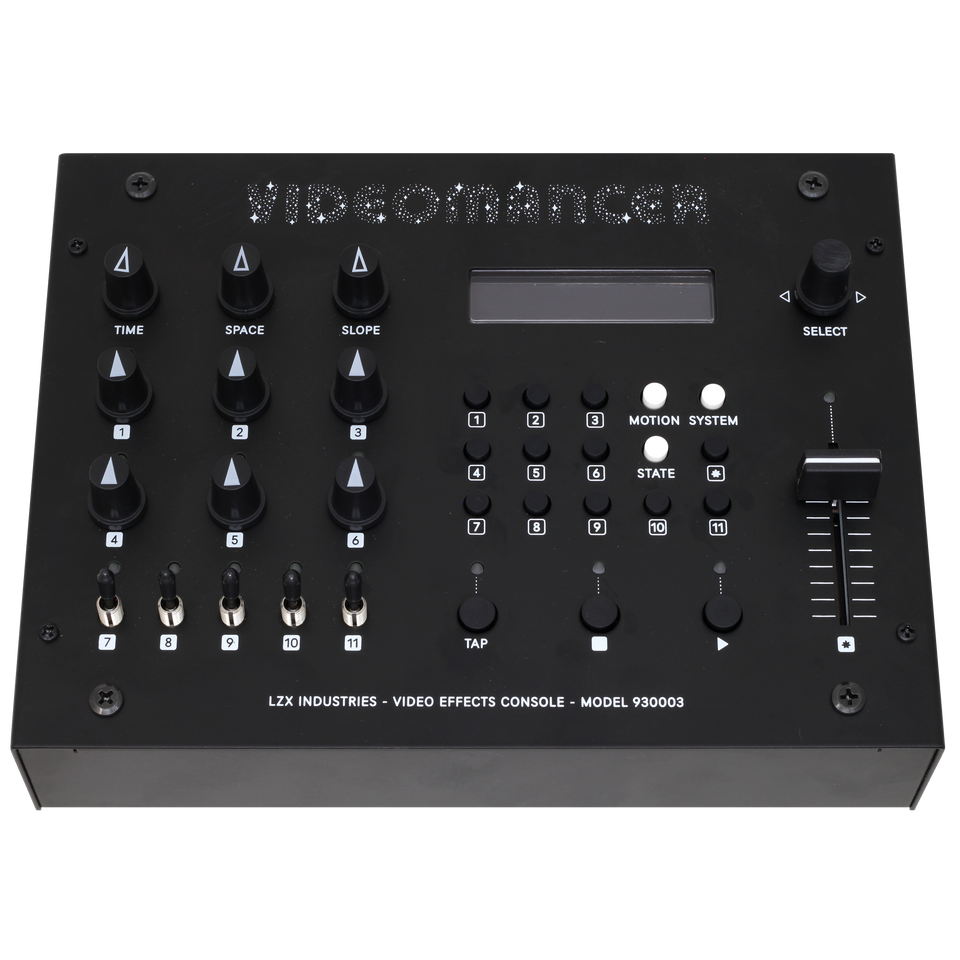
    Switch power on, press SYSTEM, then use the Rotary Encoder to browse and load a program like Passthru or Prism.

Read Full Quick Start Guide →

Videomancer is a standalone real-time video effects console: programmable FPGA video processing, hard-mapped front-panel controls, and a large library of programs for color, glitch, keying, patterns, and feedback. HDMI and analog I/O work in both directions with effectively no perceptible latency—what you change with a knob is what you see on the display.

Line-level and modular signals, MIDI, and USB (firmware, expansion) are covered end-to-end in the in-site documentation. Unboxing, menus, every program, modulation, and I/O: use the Manual tab. For ports and block diagrams, use Specs.

See what it does.

Drag each slider. Same source, different program — results in real time on the hardware.

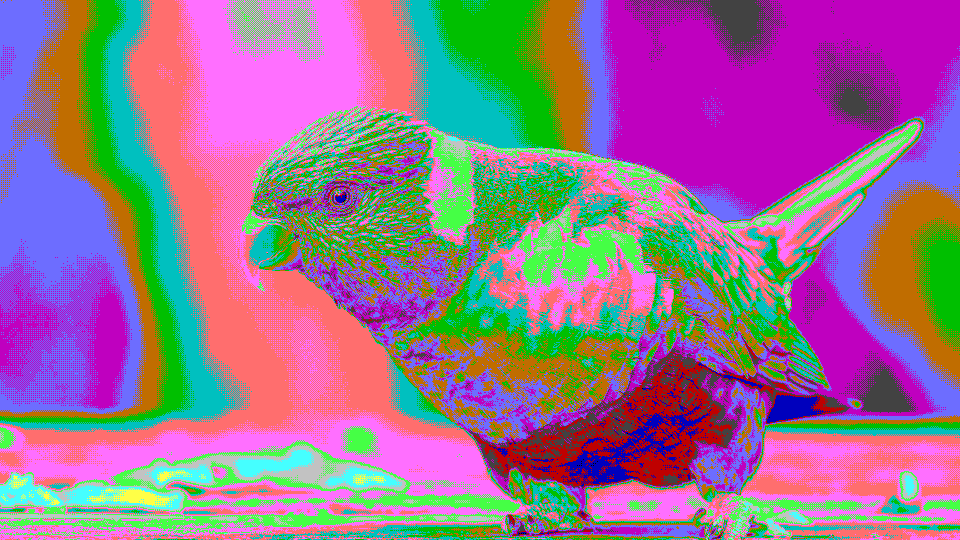
Pop Art Posterize output
Pop Art Posterize input
SOURCEPROCESSED

Pop Art Posterize

stipple

Technicolor Film output
Technicolor Film input
SOURCEPROCESSED

Technicolor Film

glorious

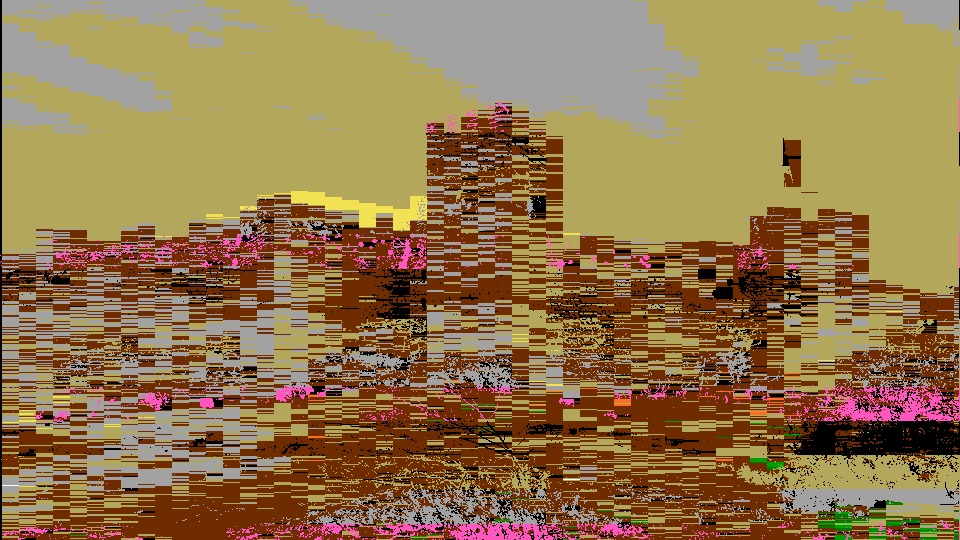
Signal Scramble output
Signal Scramble input
SOURCEPROCESSED

Signal Scramble

scramble

Scanimate Warp output
Scanimate Warp input
SOURCEPROCESSED

Scanimate Warp

elastica

Thermal False Color output
Thermal False Color input
SOURCEPROCESSED

Thermal False Color

isotherm

Retro Color Quantize output
Retro Color Quantize input
SOURCEPROCESSED

Retro Color Quantize

stic

Start where your patch starts.

Live camera, modular signals, HDMI, MIDI, audio — pick the workflow that fits what you already have.

Live Performance

Turn any camera or HDMI feed into live motion graphics. Every control on the front panel is mapped, no menu diving.

Glitch & Texture

Hands-on glitch, color, and keying on any source. No laptop, no plugin chain.

Format Converter

HDMI, composite, S-Video, component, and LZX 1V modular, convert between any of them.

Audio-Reactive

Patch MIDI, CV, audio, or a USB controller into any of Videomancer's twelve Parameters. Your sound drives the picture.
Built to patch.

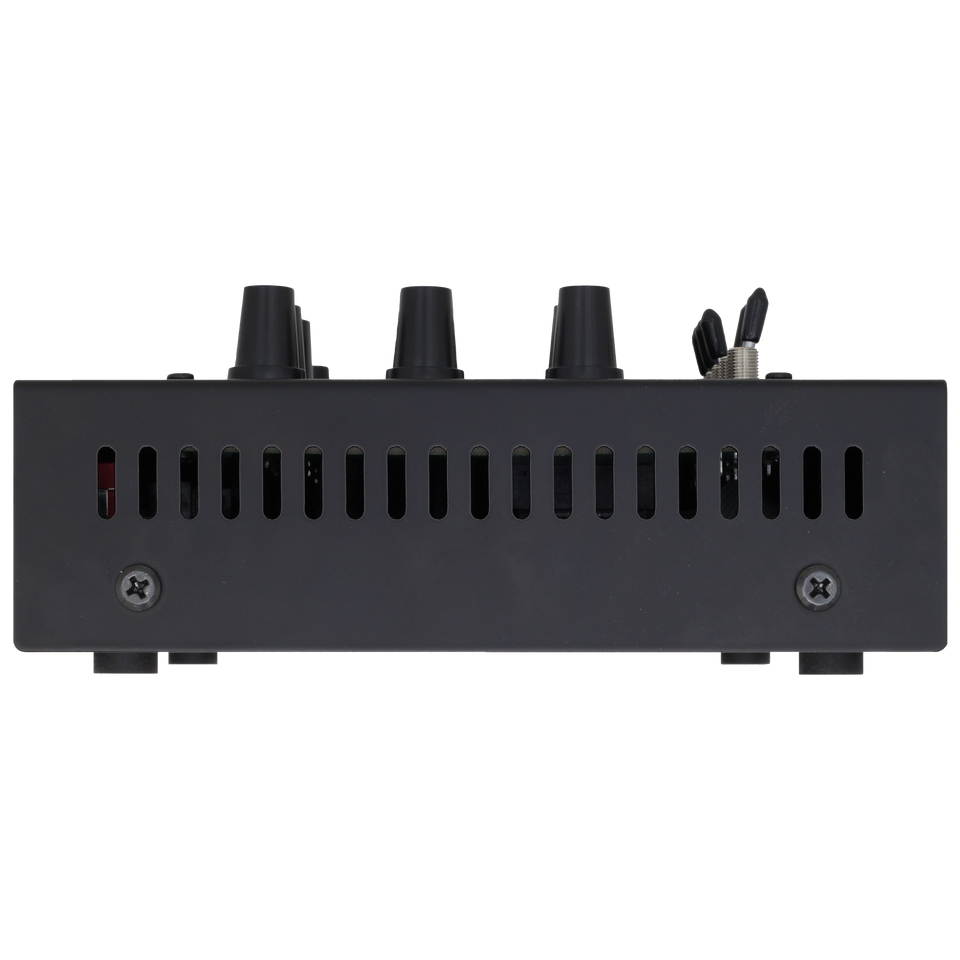
Front panel, rear I/O, and a chassis made for the desk or the rack.

Videomancer rear panelVideomancer front angleVideomancer side view

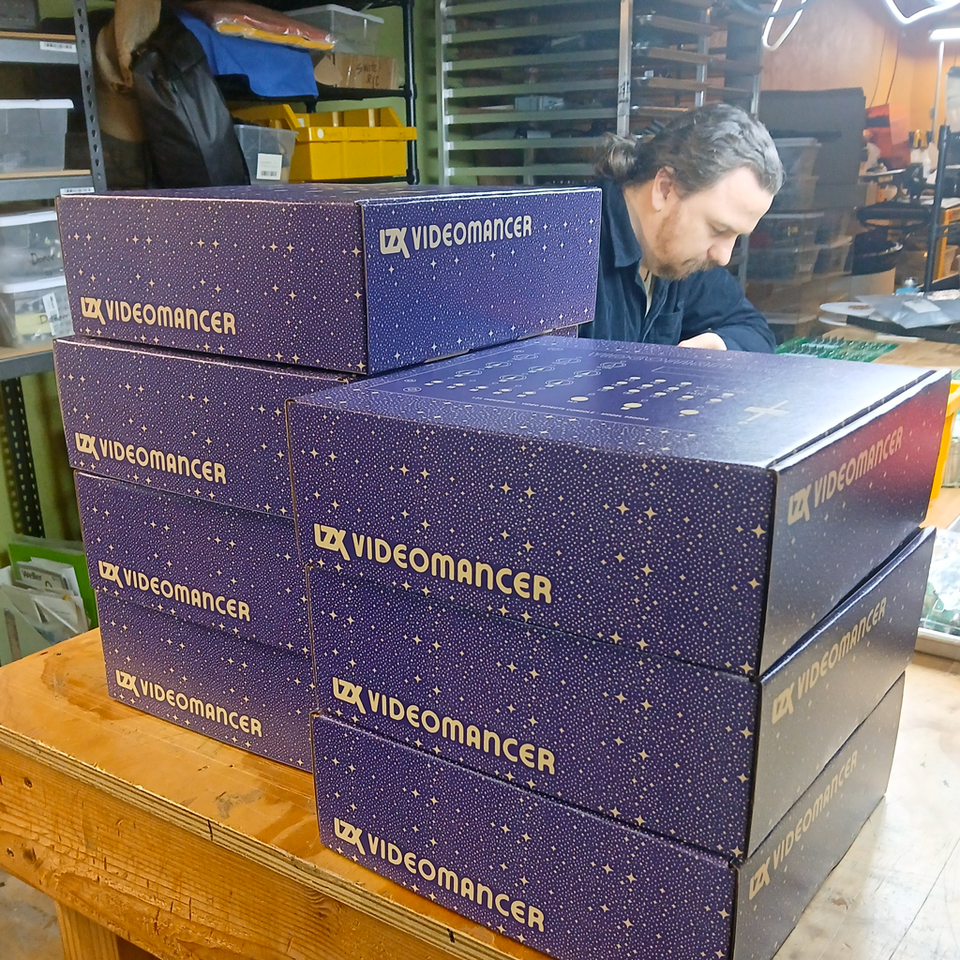
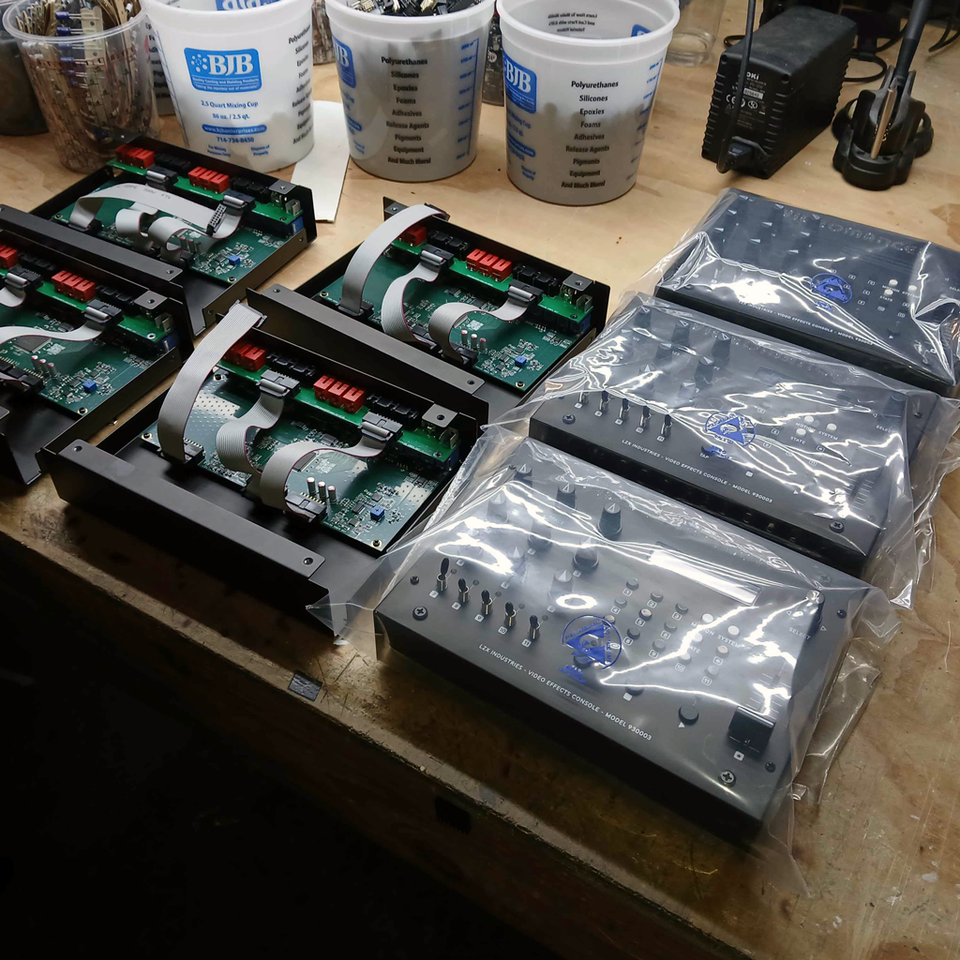
Made in Portland.

Assembled, tested, and packed in our workshop — not a drop-shipped black box.

Videomancer boxes stacked in the workshopVideomancer case assemblyVideomancer packaging

You May Also Like