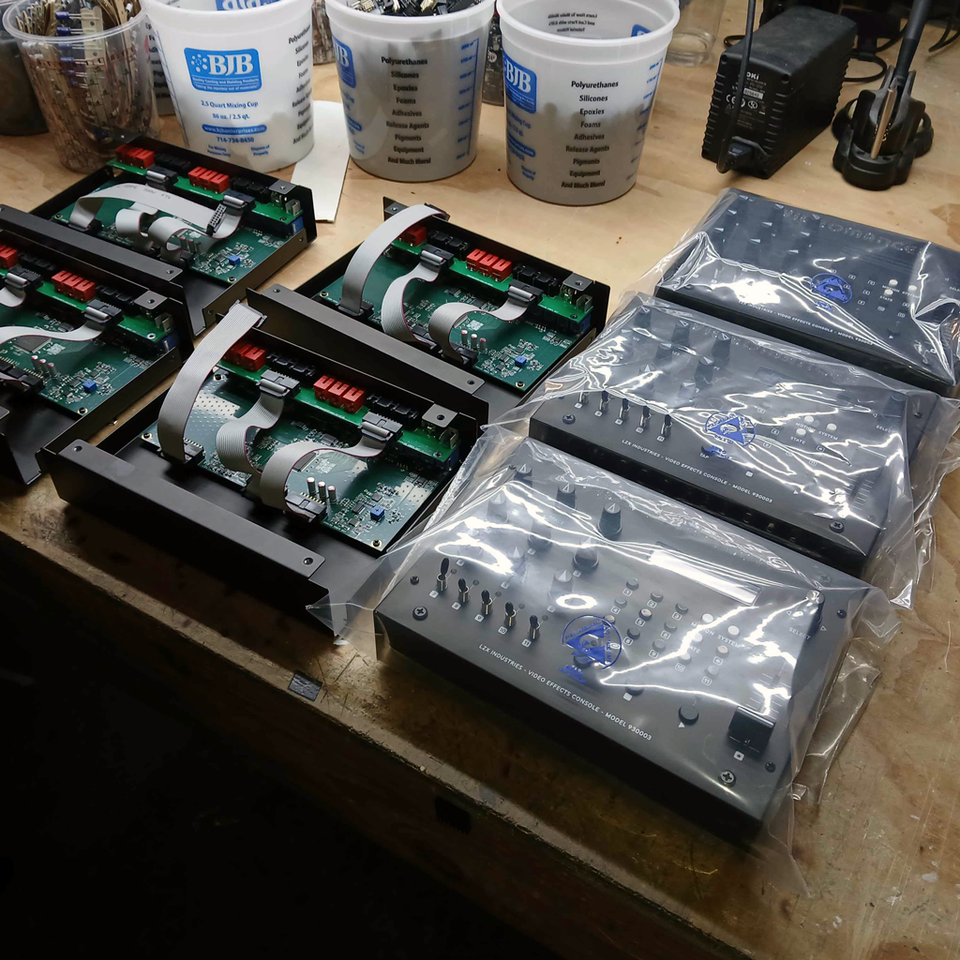
Live Performance.
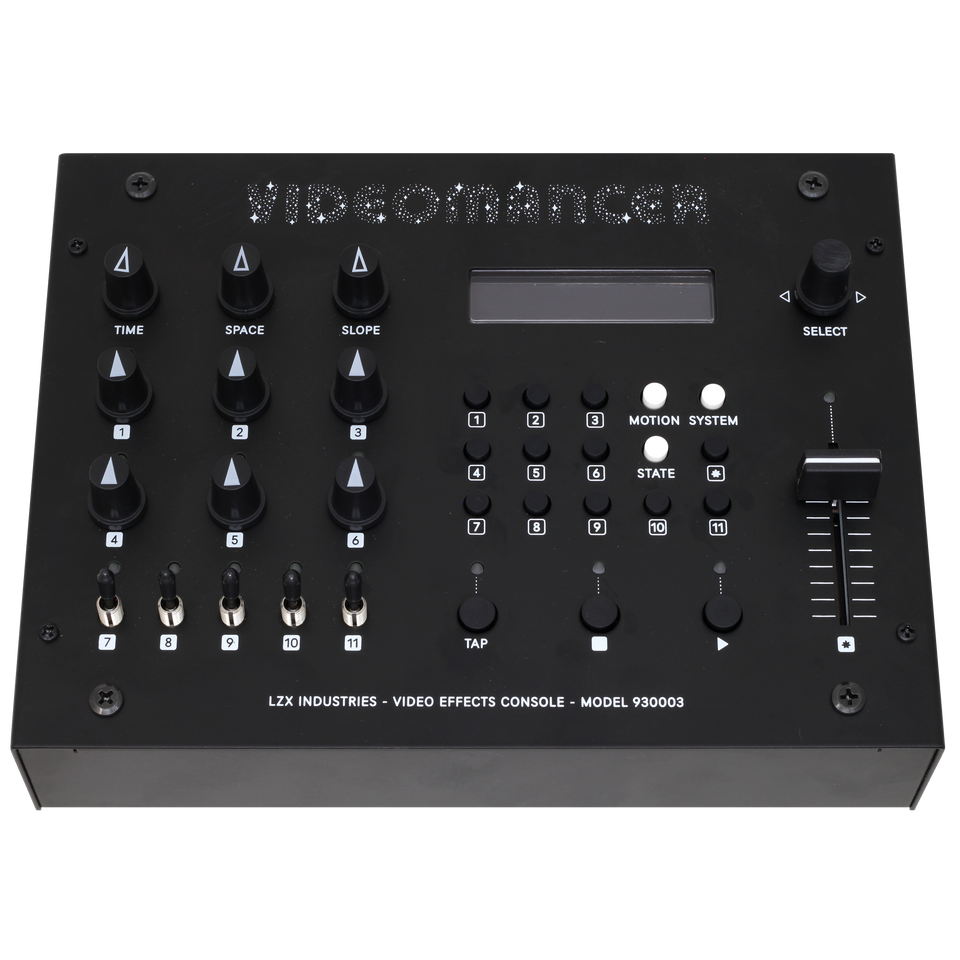
Turn any camera or HDMI feed into live motion graphics. Every control on the front panel is mapped, no menu diving.

Video Effects Console
10% off through October 31
$999 $899.10 with code VIDEOMANCER10
Applied automatically when you add to cart. Ends October 31, 11:59 PM Pacific.
Videomancer is a standalone real-time video effects console: programmable FPGA video processing, dedicated frontpanel controls, and a large library of programs for color, glitch, keying, patterns, and feedback.

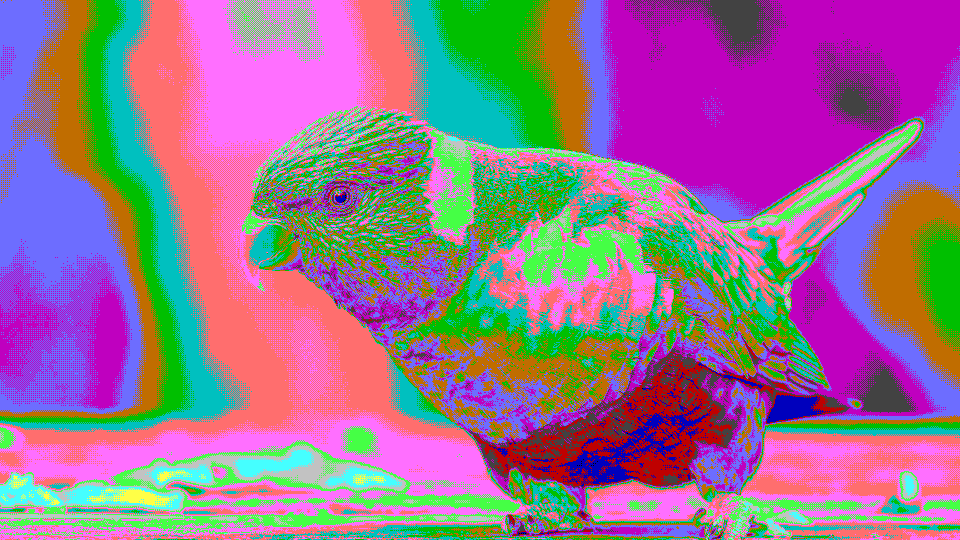

Pop Art Posterize
stipple


Technicolor Film
glorious


Signal Scramble
scramble


Scanimate Warp
elastica


Thermal False Color
isotherm
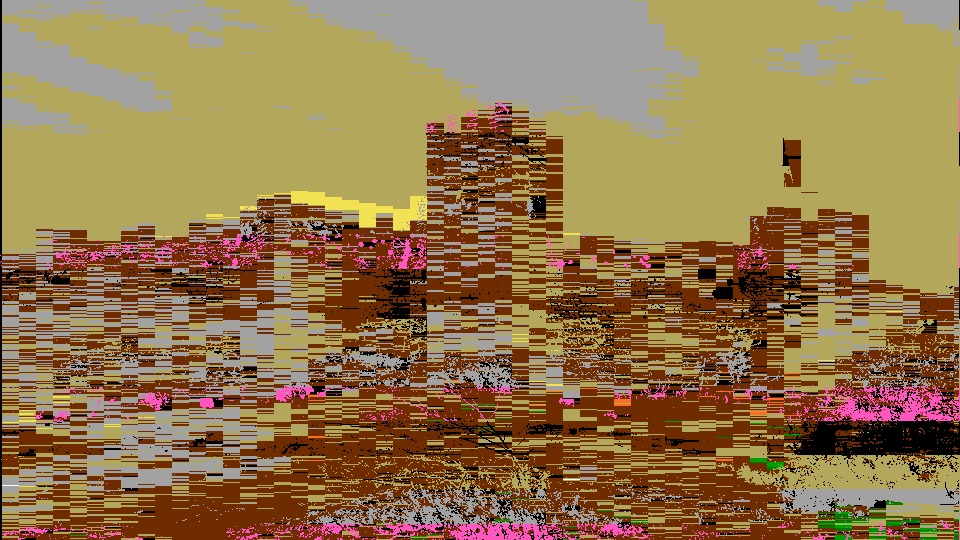

Retro Color Quantize
stic
Turn any camera or HDMI feed into live motion graphics. Every control on the front panel is mapped, no menu diving.
Hands-on glitch, color, and keying on any source. No laptop, no plugin chain.
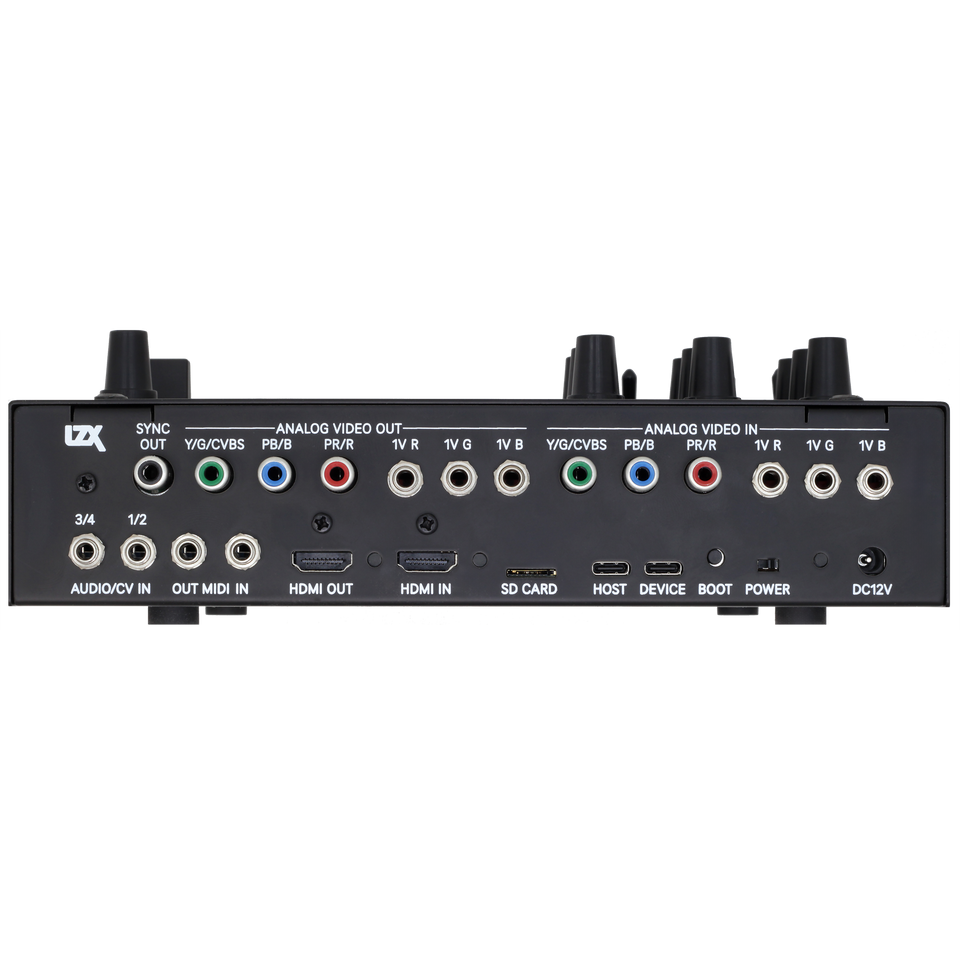
HDMI, composite, S-Video, component, and LZX 1V modular, convert between any of them.
Patch MIDI, CV, audio, or a USB controller into any of Videomancer's twelve Parameters. Your sound drives the picture.